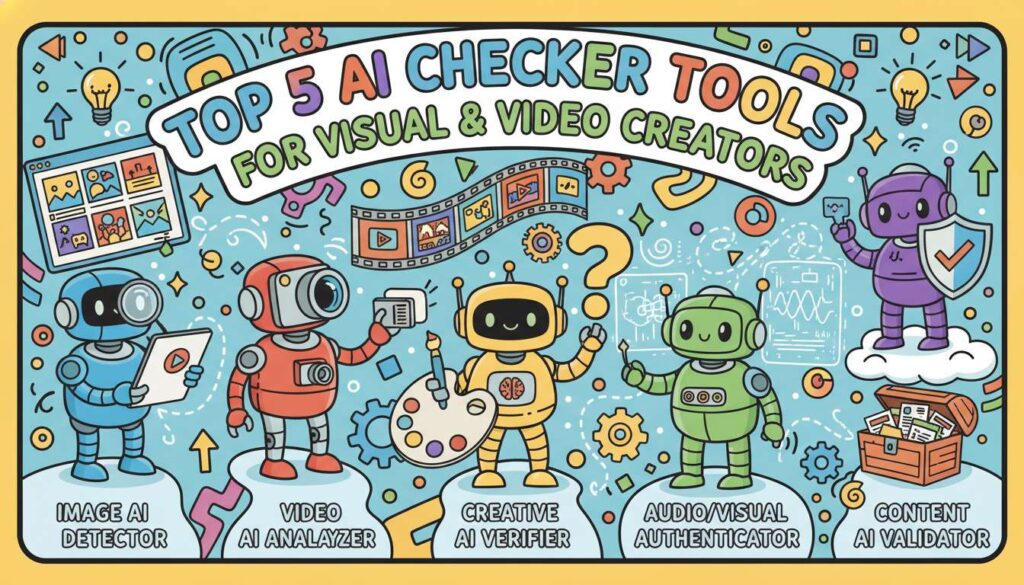
Creating visually stunning videos and graphics with Vdraw has never been easier. Its AI-powered image generation, intuitive video editing, and annotation tools allow creators to transform ideas into polished visual projects quickly.
However, even the most impressive visuals can be undermined by text that feels robotic or artificial. Captions, subtitles, scripts, and annotations that sound AI-generated can reduce engagement, clarity, and credibility. That’s why AI Checker tools are essential. They help identify AI-generated text, ensure consistency and professionalism, and make sure textual content complements visuals naturally within Vdraw projects.
What Is an AI Checker?
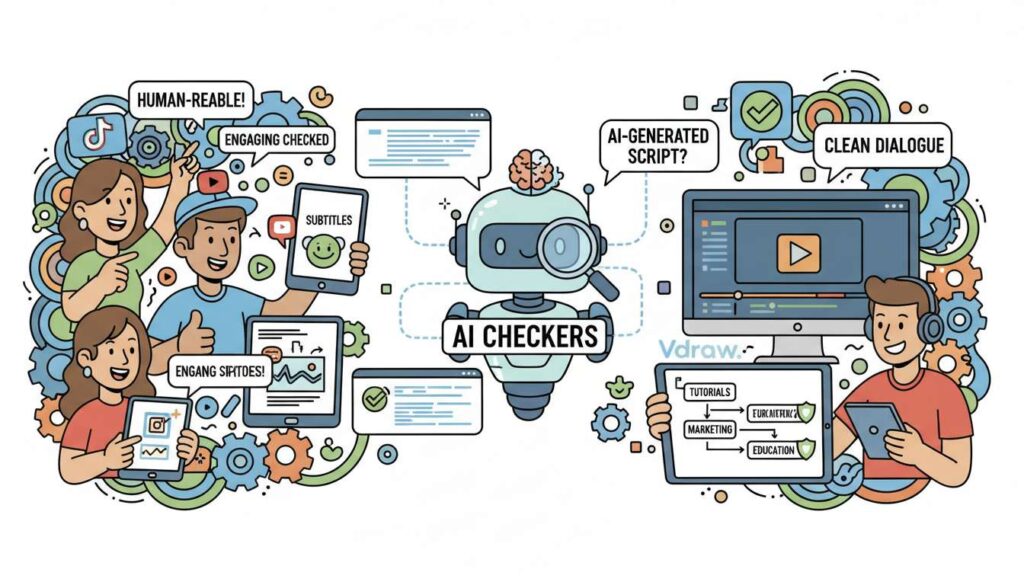
An AI Checker is a specialized software tool that identifies text likely generated by artificial intelligence. Unlike grammar or spell checkers, AI Checkers focus on stylistic patterns, sentence structures, and word usage, comparing them against human-written content to estimate the probability of AI authorship. This makes them essential for creators who want to maintain natural, readable, and professional text in videos, tutorials, captions, and annotations.
How AI Checker Work
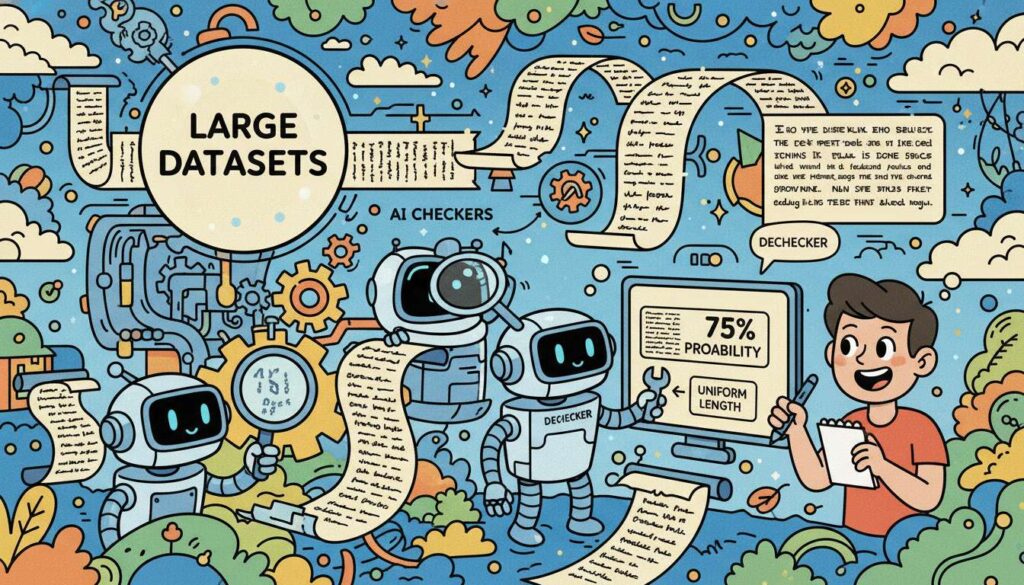
Most AI Checkers rely on machine learning models trained on large datasets of human-written and AI-generated text. AI-generated content often exhibits patterns such as uniform sentence length, repetitive structures, and consistent vocabulary. By analyzing these characteristics, AI Checkers assign probability scores to each section of text. Advanced tools, like Dechecker, provide explanations for flagged content, allowing creators to understand why certain sentences are marked and focus human review efforts efficiently.
Historical Context
The widespread use of AI-generated text began with models like GPT-4 and GPT-5, which allowed anyone to create large volumes of coherent content quickly. By 2026, AI-generated content became common in social media posts, marketing scripts, and educational materials. While AI saves time, it also creates a risk: robotic-sounding text that undermines engagement. To address this, AI Checkers emerged as essential tools for creators, helping maintain authenticity, clarity, and audience trust.
Why AI Checker Is Crucial for Creators
Even well-written AI-generated text can lack nuance, tone, or clarity. For creators using Vdraw, this can make captions, scripts, or annotations feel artificial. Here’s why AI Checkers are essential:
-
Awareness of AI Content
AI Checkers highlight sections of text likely generated by AI. This allows creators to prioritize human review on high-risk areas, such as critical subtitles or instructional scripts. For multi-video projects in Vdraw, this ensures creators can maintain high-quality text without manually reviewing every word. -
Maintaining Brand Consistency
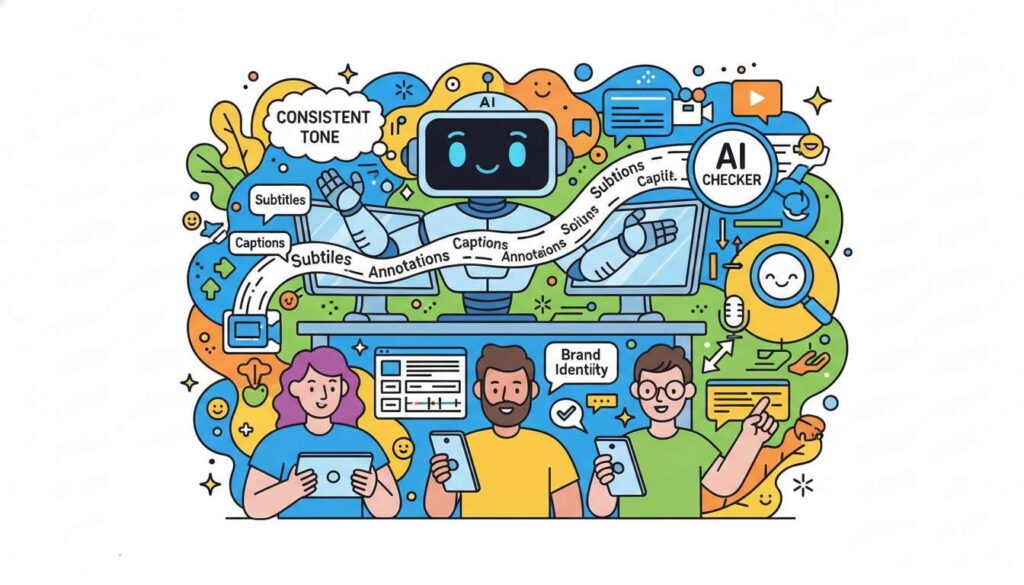
Consistent tone and style are essential for professional creators. AI-generated text can vary, but AI Checkers help ensure that subtitles, captions, and annotations maintain a consistent voice across videos and campaigns, reinforcing brand identity. -
Prevent Misinterpretation
AI-generated text may be ambiguous or overly formal. Detection allows creators to refine phrasing so viewers clearly understand instructions, messages, or annotations, minimizing confusion in tutorials, educational videos, and marketing content. -
Enhancing Credibility
Audiences are sensitive to unnatural phrasing. AI Checkers help creators maintain credibility by ensuring textual content matches the quality of visuals, making scripts, captions, and annotations more engaging and trustworthy. -
Compliance and Ethics
Certain platforms, institutions, and organizations require disclosure of AI-generated content. AI Checkers help creators identify AI-written sections and ensure transparency, preventing compliance issues and maintaining ethical standards.
-
Workflow Efficiency
Although AI Checkers cannot rewrite content, they streamline workflows by highlighting high-probability AI text. This enables creators to focus review efforts where it matters most, saving time during multi-project Vdraw workflows. -
Visual and Textual Cohesion
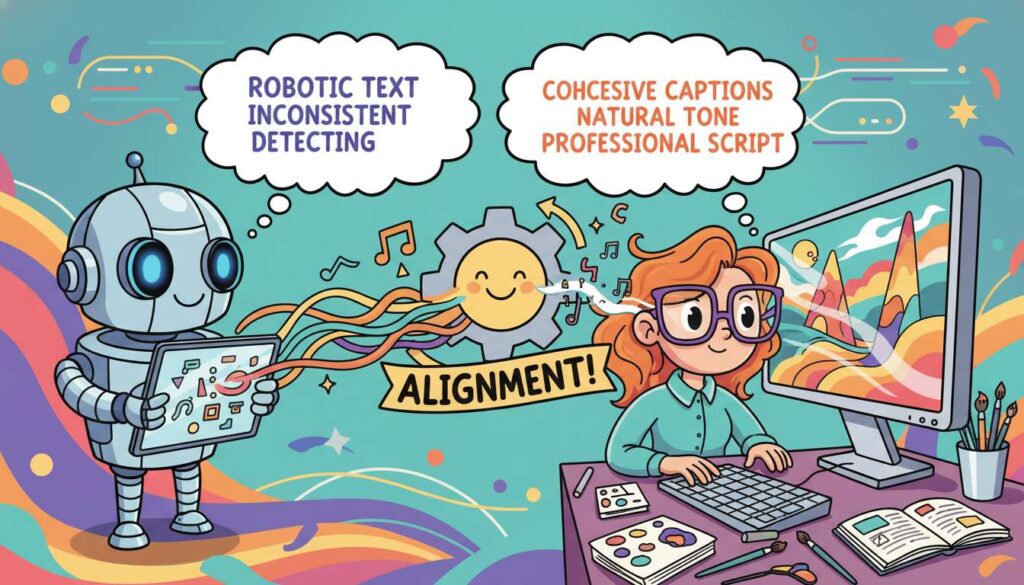
Even stunning visuals can feel inconsistent if paired with robotic text. Detection ensures that captions, scripts, and annotations align naturally with the visual tone, producing a cohesive, professional final product. -
Platform Sensitivity
Some platforms flag AI-generated content or reduce reach for robotic phrasing. Early detection helps creators avoid content rejection or engagement penalties, ensuring wider visibility and impact. -
Insight for Future Projects
Detection results reveal patterns in AI-generated text. By analyzing these, creators can refine content strategies, improve writing workflows, and anticipate areas where manual intervention may be necessary for future Vdraw projects.
Who Needs AI Checker Tools?
AI Checkers benefit a wide range of creators using AI-assisted text in their workflow:
- Social Media Creators: Ensure captions, annotations, and subtitles are human-readable for TikTok, YouTube, Instagram, and other platforms.
- Video Editors: Detect AI-generated scripts and subtitles for tutorials, marketing videos, and educational content produced in Vdraw.
- Graphic Designers: Identify mechanical annotations in infographics, interactive visuals, and presentation slides.
- Educators and Trainers: Verify clarity and professionalism in instructional scripts, captions, and educational content.
- Marketing Teams: Maintain consistent tone and style across promotional campaigns, video series, and brand messaging.
- Podcasters and Webinar Hosts: Detect AI-generated transcripts or scripts used alongside visual content from Vdraw.
- Independent Writers: Ensure text in tutorials, captions, or multi-media projects remains authentic and engaging.
Each of these user types faces unique challenges. AI Checkers allow them to maintain quality and professionalism without slowing down creative workflows, particularly in Vdraw projects that integrate both visuals and text.
Top 5 AI Checker Tools Review
1. Dechecker – The Free, Creator-Focused AI Checker
Overview
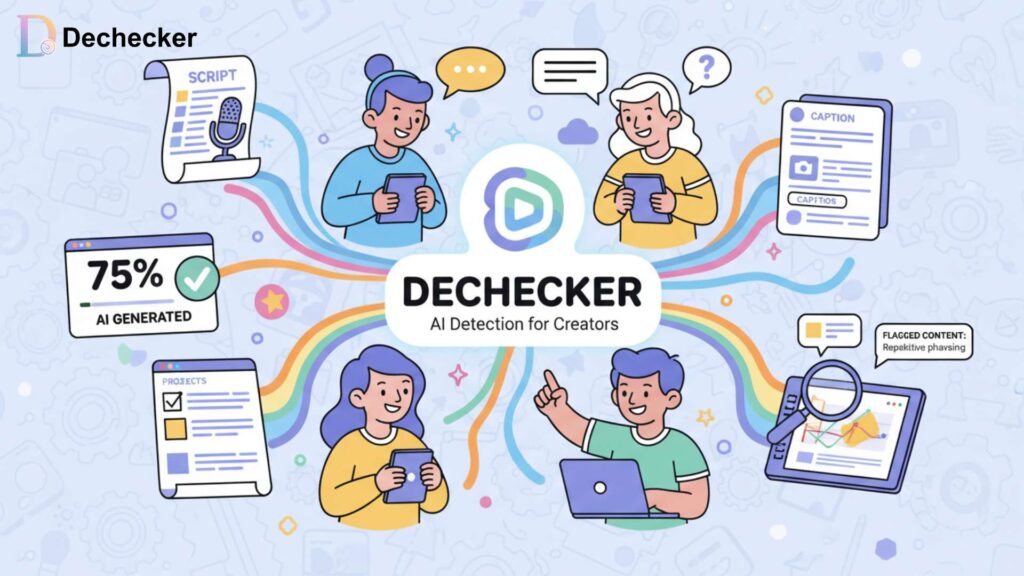
Dechecker is designed for creators seeking an intuitive, free AI detector solution. It provides probability scores for AI-generated text and explanations for flagged content, making it ideal for reviewing scripts, captions, and annotations in Vdraw projects.
Features and Capabilities
- Real-time AI checker with probability scoring
- Explanations for flagged sentences
- Multi-language support
- User-friendly interface optimized for creators
- Lightweight and accessible for independent users
How It Works
Users paste text from scripts, captions, or annotations into Dechecker. The tool analyzes sentence structures, vocabulary patterns, and syntax to determine AI likelihood. Flagged sections show a probability score, and clicking reveals explanations for why the text may be AI-generated. This allows targeted human review without scanning the entire script manually.
Advantages
- Completely free and accessible
- Clear explanations improve understanding
- Fast analysis suitable for ongoing Vdraw workflows
- Supports multiple languages
Limitations
- Cannot rewrite or edit flagged text
- Batch processing is limited for multiple scripts
Pricing
Free for all users, ideal for solo creators and small teams.
2. Copyleaks – Ideal for Bulk Script and Caption Verification
Overview
Copyleaks is designed for large-scale content verification. It allows creators to analyze multiple scripts, captions, or documents simultaneously, saving time on video series or multi-project workflows in Vdraw.
Features and Capabilities
- AI vs human text detection
- Batch scanning for multiple documents
- Multi-format support (txt, docx, pdf)
- Detailed probability reports with section highlights
- Exportable results for collaborative review
How It Works
Creators upload multiple files, and Copyleaks scans each for AI-generated patterns. Reports highlight AI-prone sentences and paragraphs, with probability scores. Sensitivity can be adjusted for subtle detection, which is particularly useful in complex Vdraw projects with nuanced scripts. Exportable CSV or PDF files allow teams to manage workflow efficiently.
Advantages
- Efficient for bulk content
- Detailed and exportable reports
- Adjustable sensitivity
Limitations
- Paid plans needed for extensive use
- Free tier has document upload limits
Pricing
Free tier available; subscription or pay-as-you-go for larger projects.
3. Scribbr – Accurate Paragraph-Level Detection
Overview
Scribbr specializes in paragraph-level detection, allowing creators to pinpoint AI-generated text precisely. This is valuable for reviewing longer scripts or detailed captions in Vdraw.
Features and Capabilities
- Paragraph-level scoring
- Multi-language support
- No registration required for limited checks
- Highlights high-probability sections for focused review
How It Works
Creators paste longer scripts into Scribbr. Each paragraph is analyzed, with flagged sections indicating AI likelihood. Probability scores help creators prioritize manual review efficiently, ensuring clarity and natural flow in annotations, captions, or instructional scripts.
Advantages
- Accurate paragraph-level detection
- Simple interface, no account required for limited checks
- Multi-language support
Limitations
- Limited free checks
- Paid plans necessary for high-volume or long documents
Pricing
Free checks available; paid plans for larger projects.
4. Originality.ai – Detection with Plagiarism Analysis
Overview
Originality.ai combines AI detection with plagiarism analysis, providing dual verification. This ensures that Vdraw scripts and captions are both AI-free and original, ideal for professional, educational, or commercial projects.
Features and Capabilities
- AI detection with probability scores
- Plagiarism analysis
- Adjustable sensitivity
- Exportable reports for team workflow
How It Works
Creators upload scripts or captions. Originality.ai flags AI-generated content and checks for plagiarism. Sensitivity settings allow balancing false positives and subtle detection. Exportable reports track multiple projects, helping teams manage workflows efficiently.
Advantages
- Dual AI and plagiarism detection
- Customizable sensitivity improves accuracy
- Exportable reports support collaboration
Limitations
- Paid, credit-based service
- No rewriting or editing capability
Pricing
Credit-based scans with volume discounts.
5. Winston AI – Deep Analysis for Professional Creators
Overview
Winston AI offers advanced, sentence-level detection using multiple AI models. It is tailored for professional creators managing complex scripts, annotations, or multi-video projects in Vdraw.
Features and Capabilities
- Sentence-level probability scoring
- Multi-model detection
- Exportable reports
- Advanced settings for subtle AI patterns
How It Works
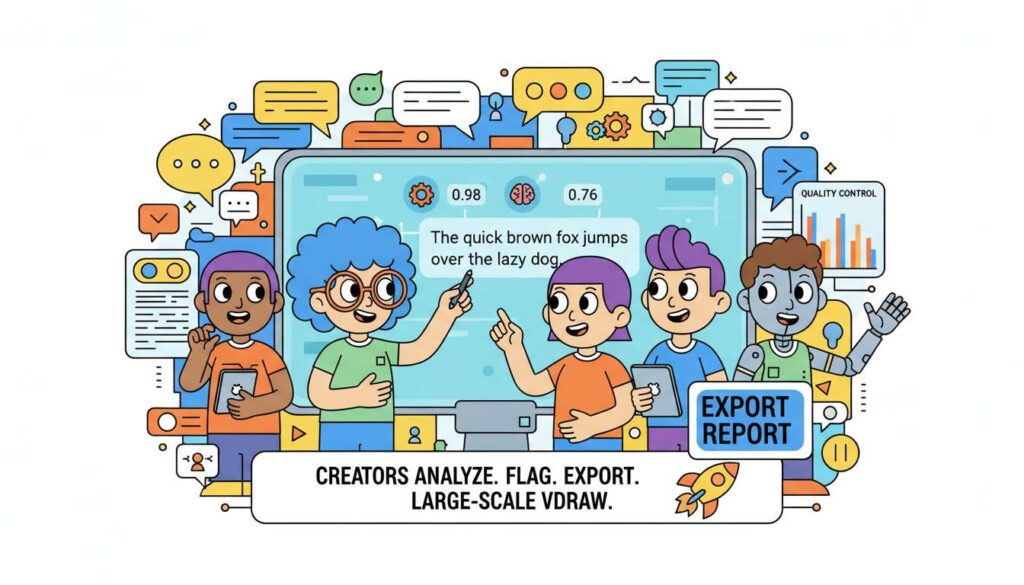
Creators analyze each sentence of scripts or captions individually. Flagged text includes probability scores and model-specific analysis. Exportable reports facilitate team workflows and quality control in large-scale Vdraw projects.
Advantages
- High-accuracy sentence-level detection
- Multi-model analysis enhances reliability
- Exportable results for professional workflow integration
Limitations
- Paid subscription required
- Interface may require a learning curve
Pricing
Subscription or credit-based plans depending on usage.
| Tool Name | Core Strength | Key Features | Best Use Cases | Pricing |
| Dechecker | Simple & free AI text detection | AI probability scoring, sentence-level AI marking, multi-language support, fast online checks | Quick checks for captions, scripts, short-form content created alongside Vdraw visuals | Free |
| Copyleaks | Enterprise-grade detection accuracy | AI detection + plagiarism detection, batch uploads, API access | Large content volumes, agencies, long video scripts or subtitle libraries | Paid (subscription-based) |
| Scribbr | Academic-style precision | Paragraph-level analysis, clear probability explanations, clean interface | Long-form scripts, educational or research-related content | Free / Paid (advanced features) |
| Originality.ai | Dual AI + originality analysis | AI detection, plagiarism scanning, detailed reports | Professional creators, publishers, content review workflows | Paid (credit-based) |
| Winston AI | Advanced multi-model detection | Sentence-level detection, model comparison, exportable reports | Professional and multilingual projects requiring higher confidence | Paid (subscription-based) |
How to Use AI Checker Tools Effectively
Using AI Checker tools correctly ensures your text stays natural and readable in Vdraw projects. Here’s a simple guide:
-
Draft Text in Vdraw First
Complete your captions, scripts, or annotations before running the checker. Well-structured drafts improve detection accuracy. Starting with a clear draft also helps you spot obvious issues before analysis. -
Choose the Right Tool
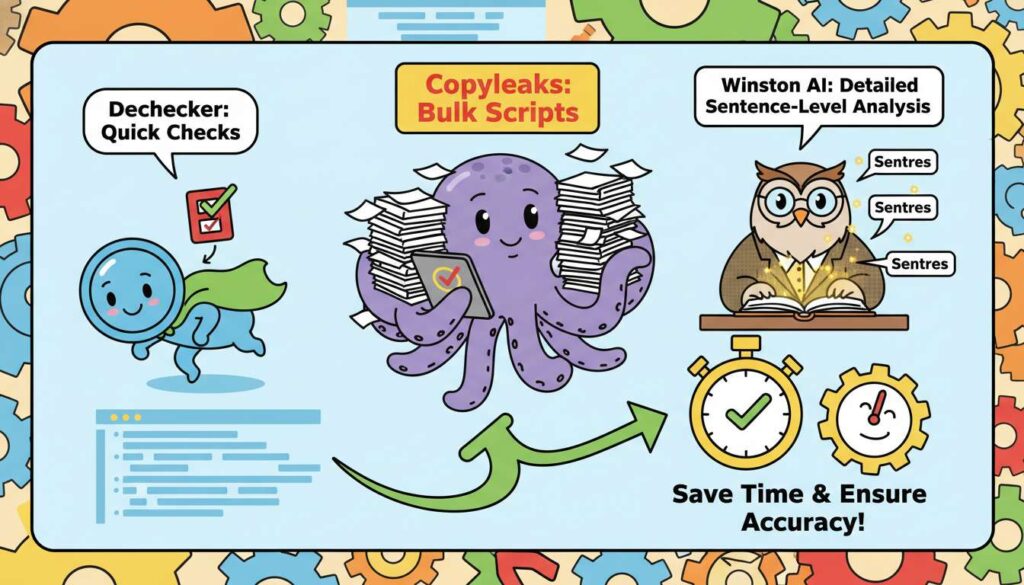
Pick a tool based on your project size: Dechecker for quick checks, Copyleaks for bulk scripts, or Winston AI for detailed sentence-level analysis. Selecting the right tool saves time and ensures more accurate results.
-
Input Text Accurately
Paste your text with proper paragraph breaks or line spacing. Multi-language content should be analyzed separately. Correct input ensures the checker can interpret sentence structure and context effectively.
-
Review Flagged Text
Check probability scores and explanations for flagged sentences. Focus on high-probability areas first. Paying attention to the flagged text helps prioritize your editing efforts efficiently. -
Adjust Manually
Rewrite flagged text to improve tone, readability, and flow. Ensure it matches the style of your visuals. Even small changes in phrasing can make the text feel more human and natural. -
Recheck if Needed
After adjustments, run the text again to confirm the AI patterns are reduced. This step ensures no high-probability AI text slips through to your final project. -
Integrate into Workflow
Use AI Checkers at draft, pre-publish, and final review stages to maintain consistent quality without slowing down your Vdraw projects. Integrating checks into your regular workflow keeps all content professional and cohesive.
FAQs About AI Checker Tools
1. What is an AI Checker?
An AI Checker is a tool that detects text likely generated by artificial intelligence. It analyzes sentence structures, word patterns, and stylistic choices to assign probability scores. For Vdraw creators, this ensures captions, scripts, and annotations feel natural and human-written, improving audience engagement.
2. Can AI Checkers rewrite flagged text?
No. AI Checkers only detect AI-generated content; they do not edit or rewrite it. Creators need to manually revise flagged sections to enhance readability, tone, and alignment with visual content in Vdraw projects.
3. How accurate are AI Checkers?
Accuracy varies by tool and text complexity. Advanced tools like Winston AI or Scribbr detect subtle AI patterns, while free tools like Dechecker provide fast, reliable estimates. For critical projects, cross-checking text with multiple tools increases confidence.
4. Can AI Checkers analyze content from Vdraw?
Yes. Scripts, captions, annotations, and instructional text exported from Vdraw can be pasted or uploaded into AI Checker tools. Proper formatting, like maintaining paragraph breaks, helps the tool detect AI-generated text more accurately.
5. Do AI Checkers support multiple languages?
Many AI Checkers, including Dechecker, support multiple languages. This allows creators working on international projects in Vdraw to ensure text reads naturally across languages and regions.
6. How often should I use AI Checker tools?
Integrate AI Checker checks at multiple stages: draft, pre-publish, and final review. Early detection prevents robotic-sounding text from persisting, while final checks ensure consistency across captions, scripts, and annotations.
7. Can AI Checkers detect subtle AI-generated text?
Yes. Advanced AI Checkers can identify nuanced patterns in phrasing and sentence structure. However, manual review is still necessary to refine tone, natural flow, and alignment with visuals.
8. Are AI Checker tools free?
Some tools, like Dechecker, are completely free and suitable for individual creators. Others, such as Copyleaks, Winston AI, or Originality.ai, require subscriptions or credit-based plans, especially for bulk or professional use.
Conclusion
Vdraw empowers creators with AI-powered visuals and video editing, but textual content is equally important. AI Checker tools ensure captions, annotations, and scripts remain human-readable, consistent, and professional. Integrating AI Checkers like Dechecker, Copyleaks, Scribbr, Originality.ai, and Winston AI into workflows improves efficiency, credibility, and audience engagement. In today’s AI-assisted content environment, detection is essential for producing high-quality, trustworthy visual projects.