Remove video watermarks, logos, and text using AI trained for accuracy. Clean results in seconds, without blur or registration.

Free Video Watermark Remover
- No Blur, No Quality Loss
AI Video Watermark Remover for clean, free online removal. Instantly remove text, logos, subtitles, or watermarks from videos - no blur or quality loss.
What Is a
Video Watermark Remover?
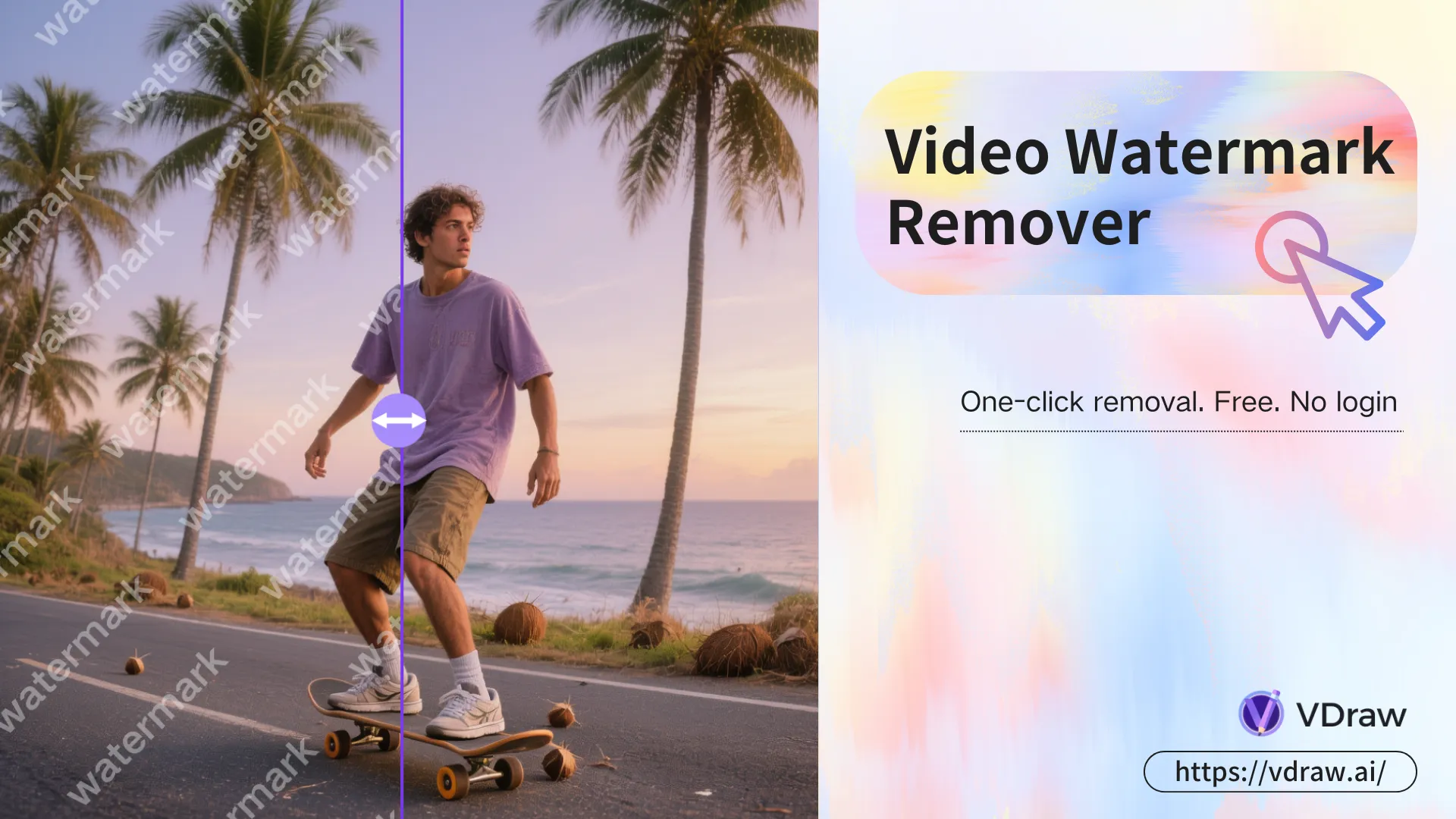
A Video Watermark Remover is an AI-powered tool that removes logos, text, and unwanted overlays from videos while preserving visual quality.
VDraw analyzes each frame to intelligently erase watermarks without blurring or distortion.
How to Use
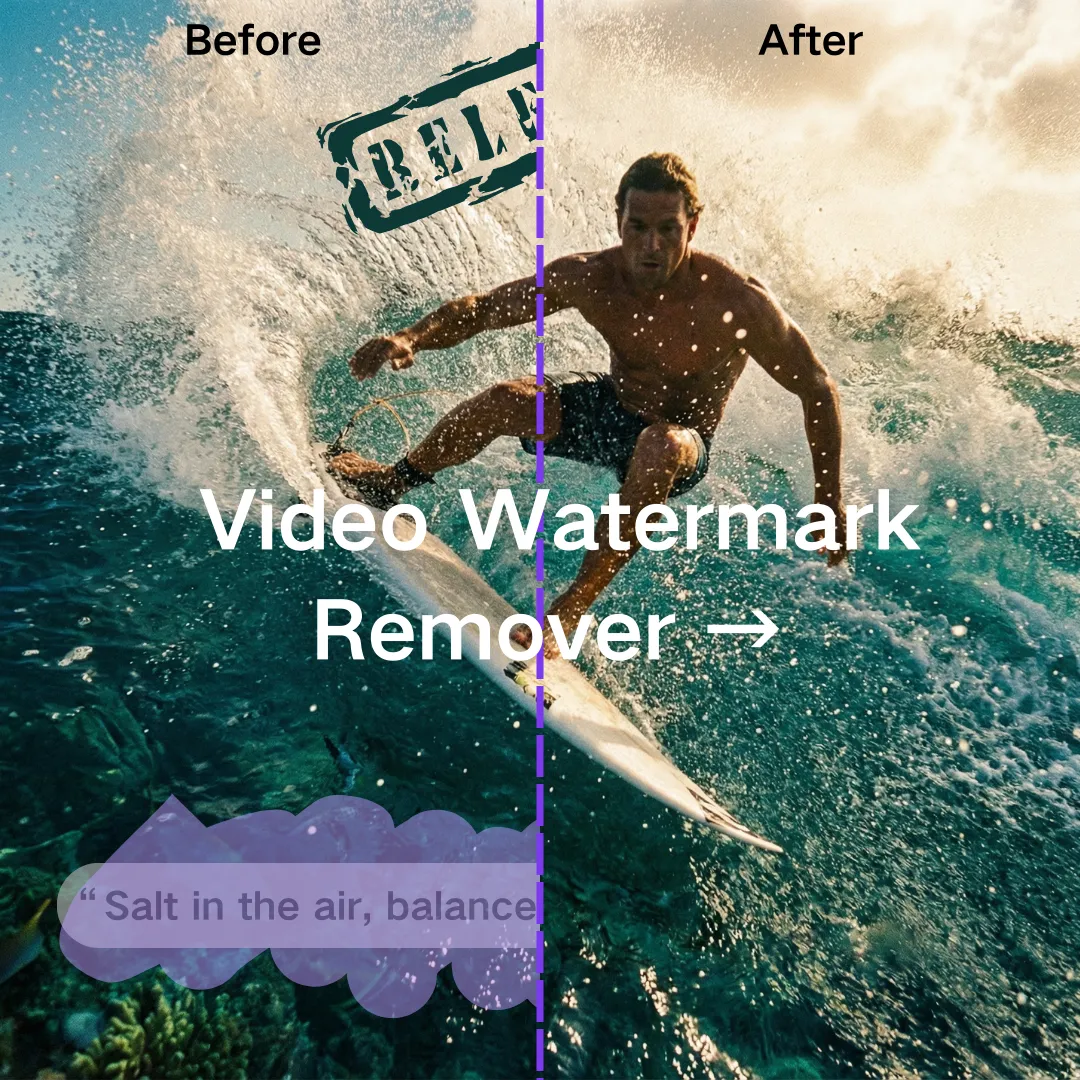
Our Video Watermark Remover in 3 Steps
Upload Your Video
Import any video containing logos, text, or watermarks.
Select the Watermark Area
Choose the area to erase, then let AI handle the removal in seconds.
Remove & Download
Instantly export a clean, watermark-free video.
Real-World
Use Cases for Video Watermark Remover
From creators to businesses, this AI-powered tool helps reuse, refine, and repurpose video content without visual distractions.
Remove Your Watermark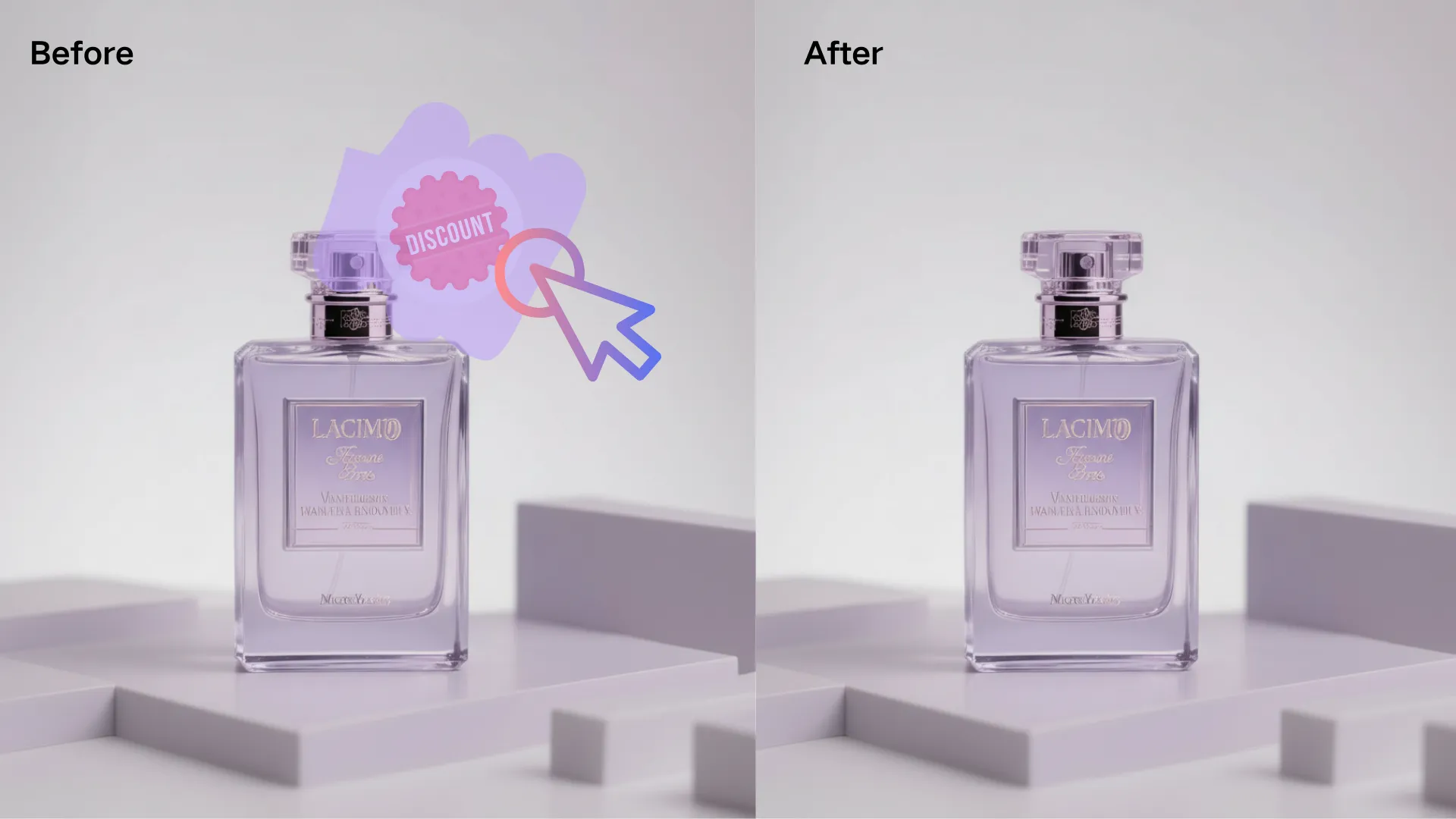
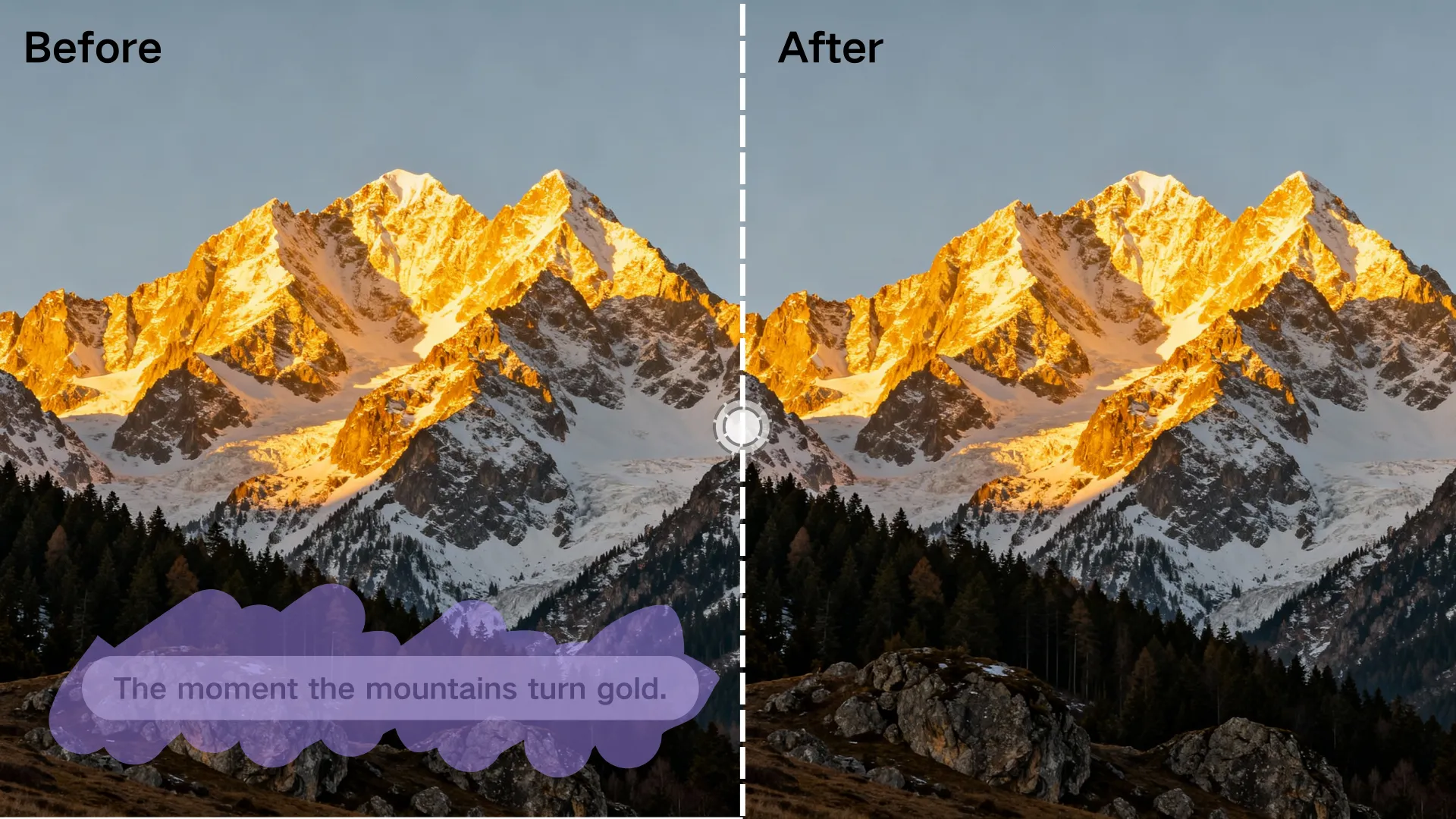
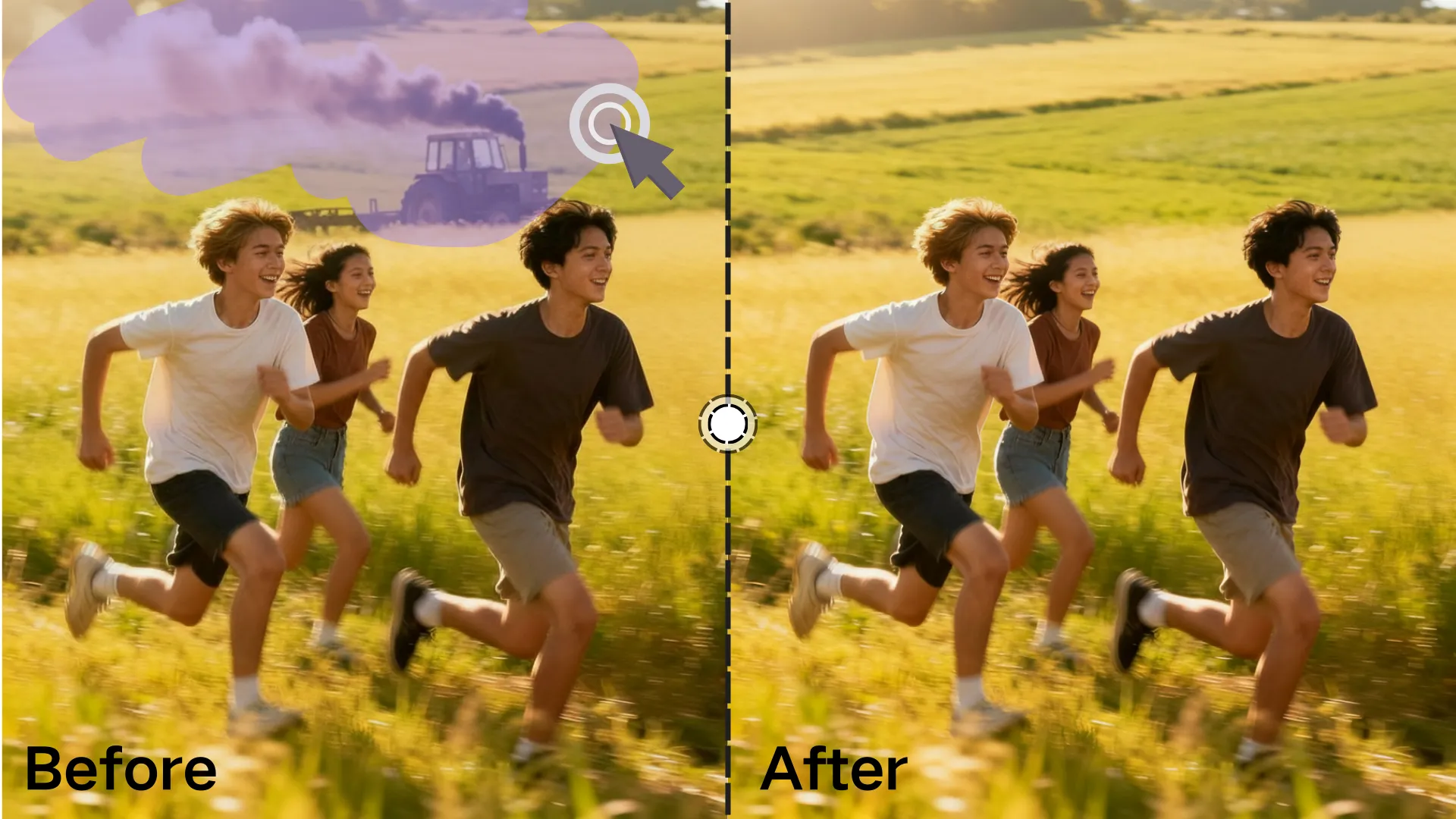
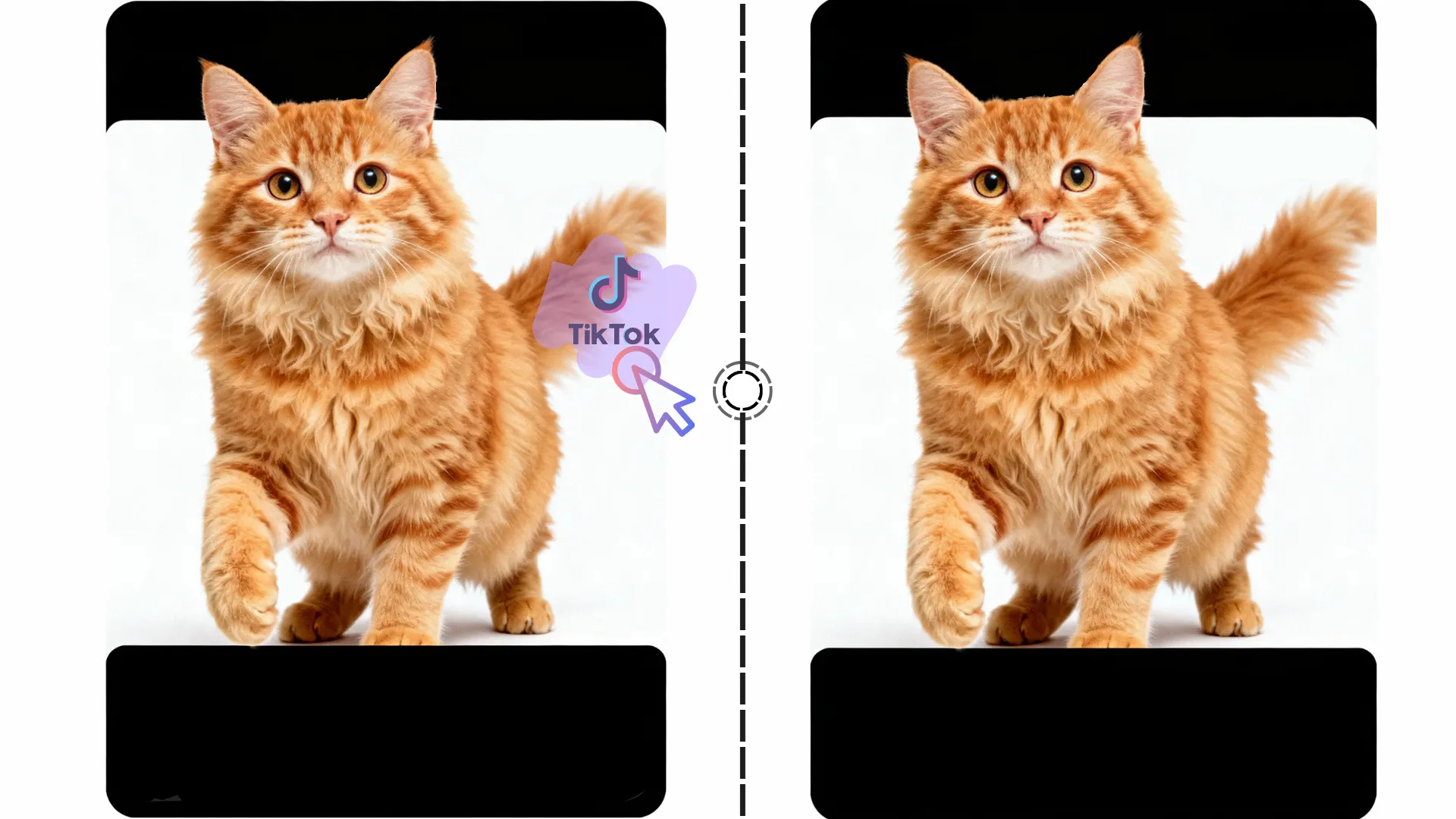
Struggling with
Watermarks Ruining Your Videos?
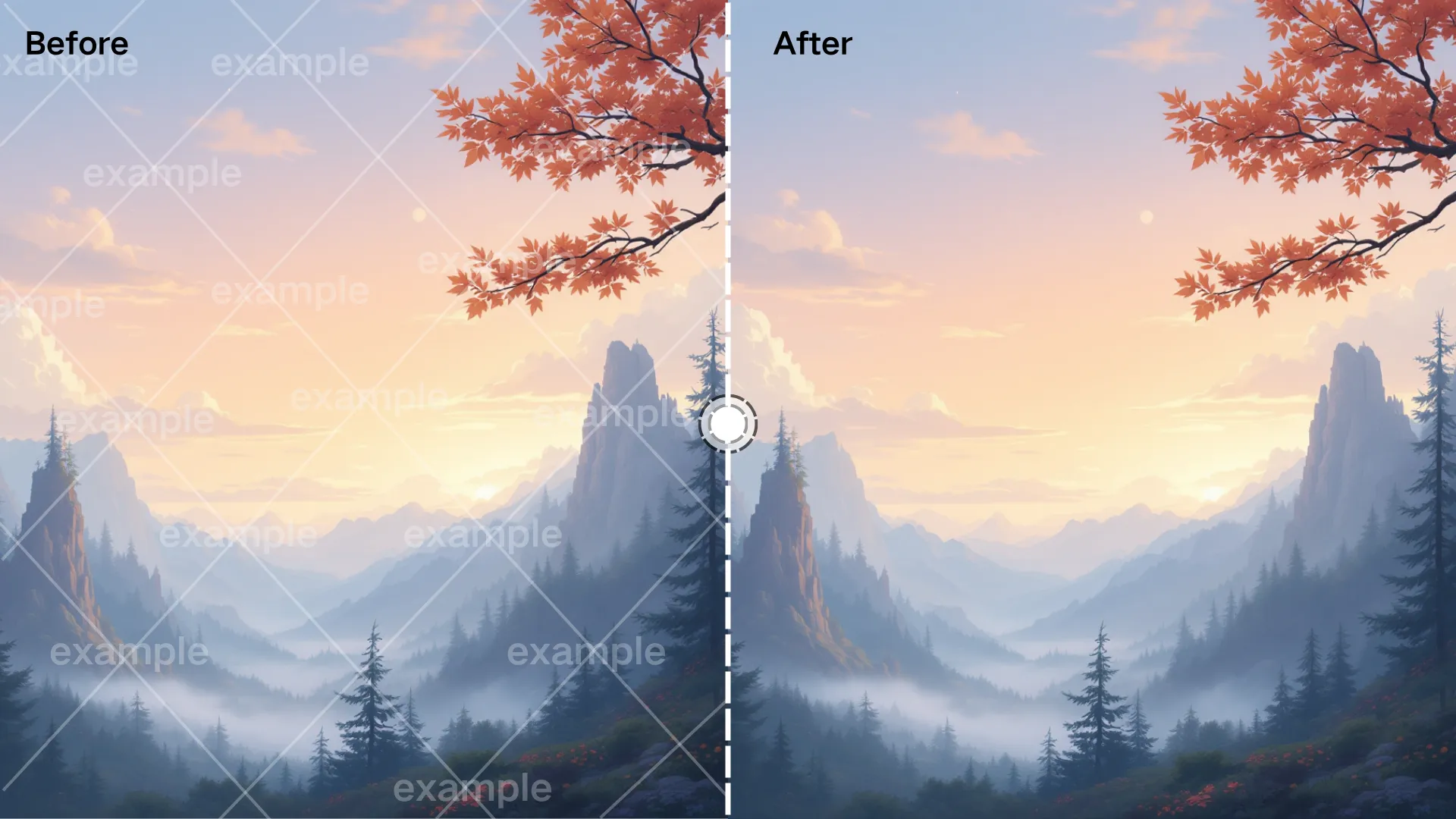
Many tools leave blur or visible artifacts when removing watermarks, limiting professional reuse.
VDraw's Video Watermark Remover uses AI-driven frame analysis to clean selected areas while preserving motion, texture, and visual quality.
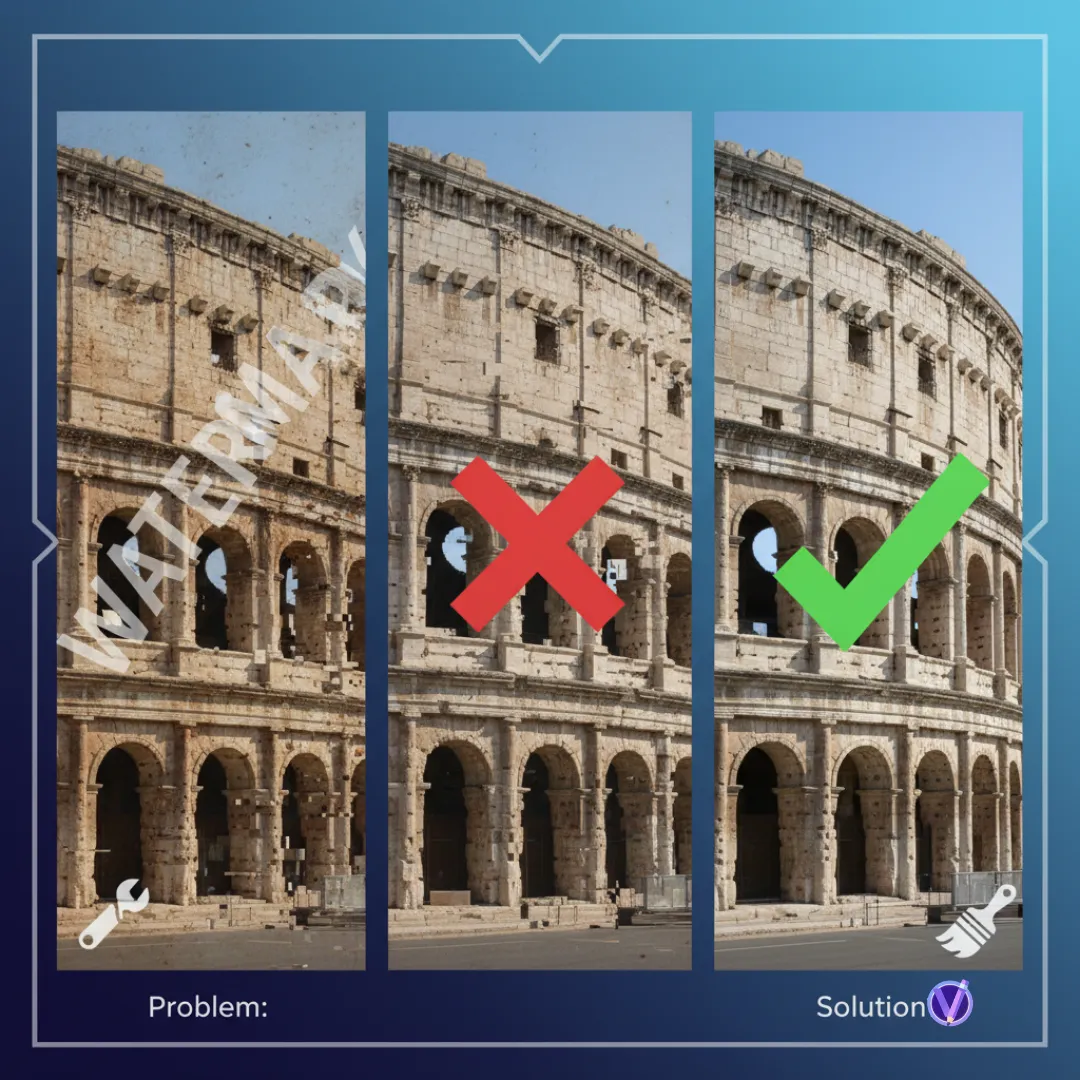
Why Choose
VDraw Video Watermark Remover?
Not every video watermark remover delivers consistent results. VDraw emphasizes precise removal, quality preservation, and user control - so cleaned videos remain clear, usable, and ready to publish.
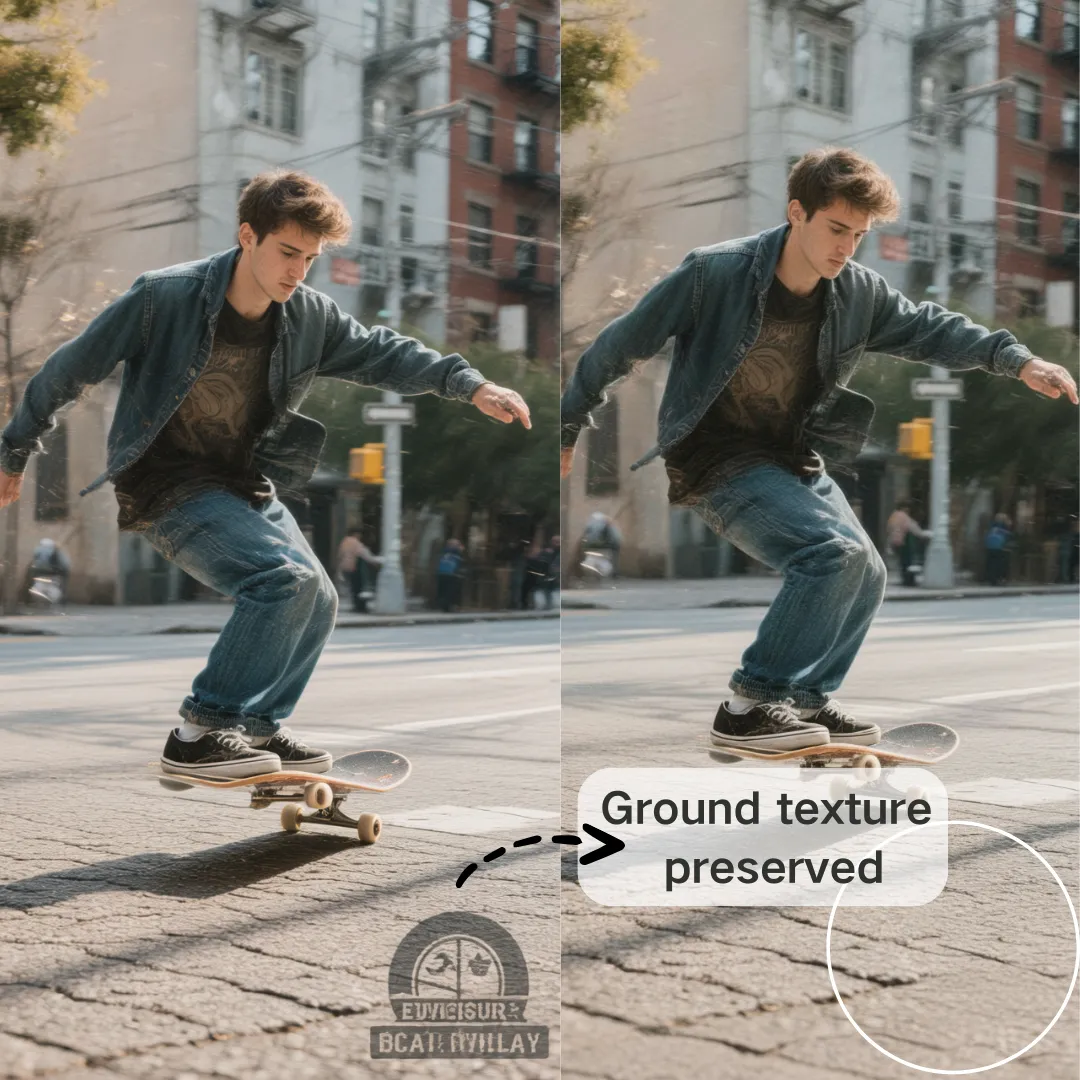
AI-Driven, Not Manual Editing
No timelines or frame-by-frame fixes. VDraw removes watermarks based on visual context - not crude pixel masking.
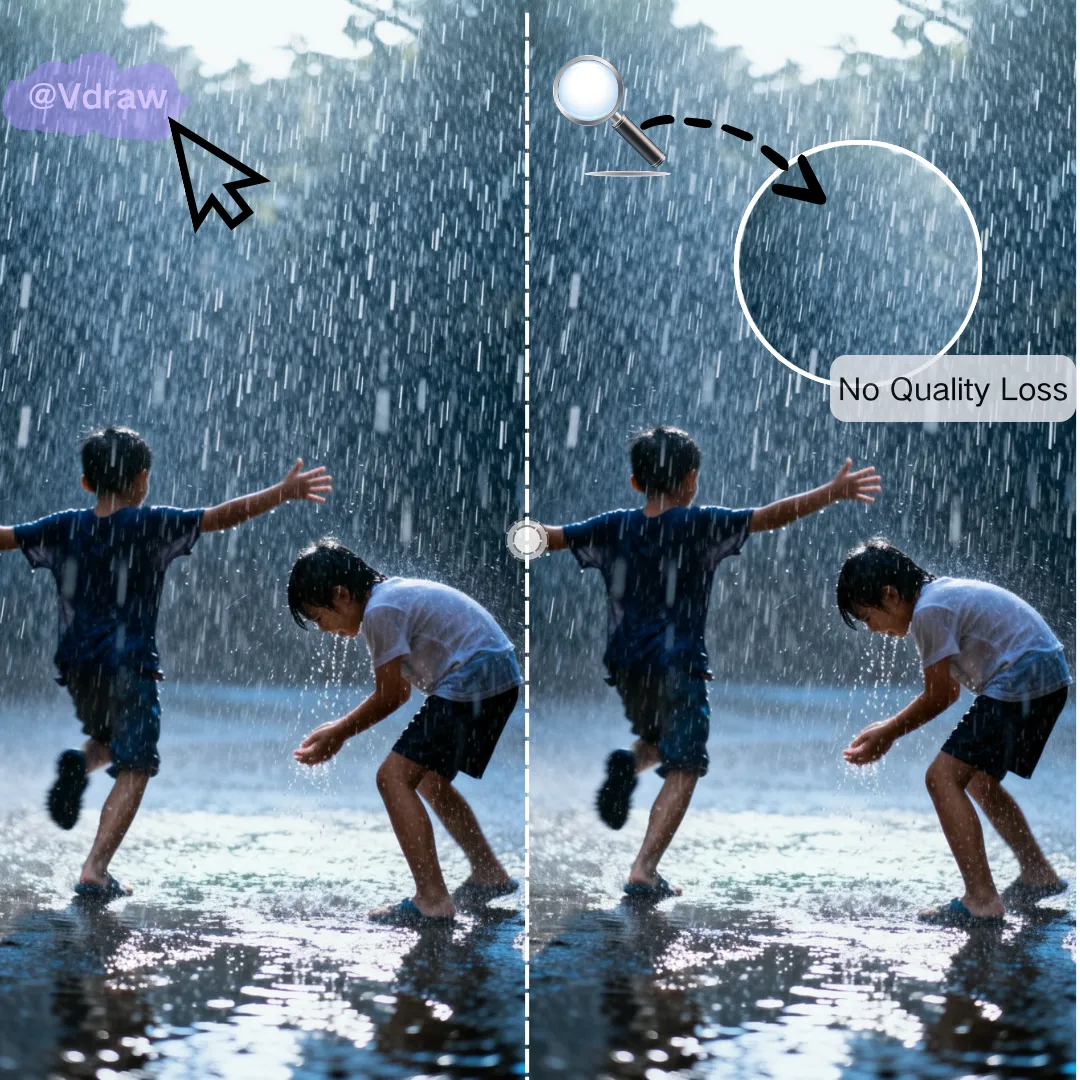
Clean Results Without Blur
Unlike many tools, removed areas stay natural. No smudges, no obvious edits, no quality loss.

Fast, Free & No Watermark
Instant processing with no forced sign-ups. Download clean videos without added logos or hidden paywalls.

Flexible Area Selection, Not Platform Limits
Remove more than platform watermarks. Simply select the exact area you want to erase, and AI removes it in one step for fast, high-quality results.
Remove Video Watermarks the Smart Way
Stop wasting time with low-quality tools.
Use VDraw's Video Watermark Remover to create clean, professional videos - fast.
What People Say
About Video Watermark Remover
I've tried several tools before, but most of them left blurry patches. This Video Watermark Remover actually keeps the video clean after I select the area. The results look professional enough for client delivery.

As a content creator, I often need to reuse short clips. This Video Watermark Remover video watermark remover makes it easy to remove platform logos without damaging the background, which saves me a lot of time.

What I like most is the control. This Video Watermark Remover lets me manually choose exactly what to remove and then rely on AI to do the hard work. The quality stays consistent across the entire video.

Many free tools add another watermark or reduce quality. This Video Watermark Remover feels different. I marked the watermark area once, and the final video came out clean and ready for presentations.

I don't have any video editing experience, but this Video Watermark Remover was very straightforward. Just mark the logo, wait a moment, and download. No blur, no strange artifacts.

For educational videos, clarity is essential. This Video Watermark Remover helped me remove timestamps and text overlays while keeping the visuals sharp. It works exactly as described.

