


Transform any room instantly with VDraw's AI Room Design. Generate realistic, stylish interior makeovers in seconds with smart AI technology.
or drag and drop an image here

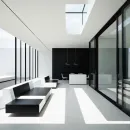
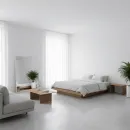

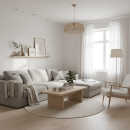
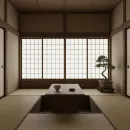
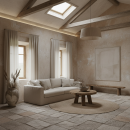
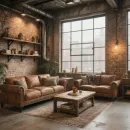
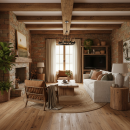
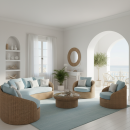
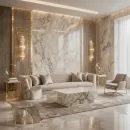
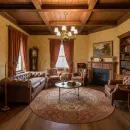
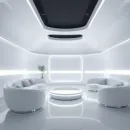
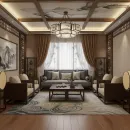

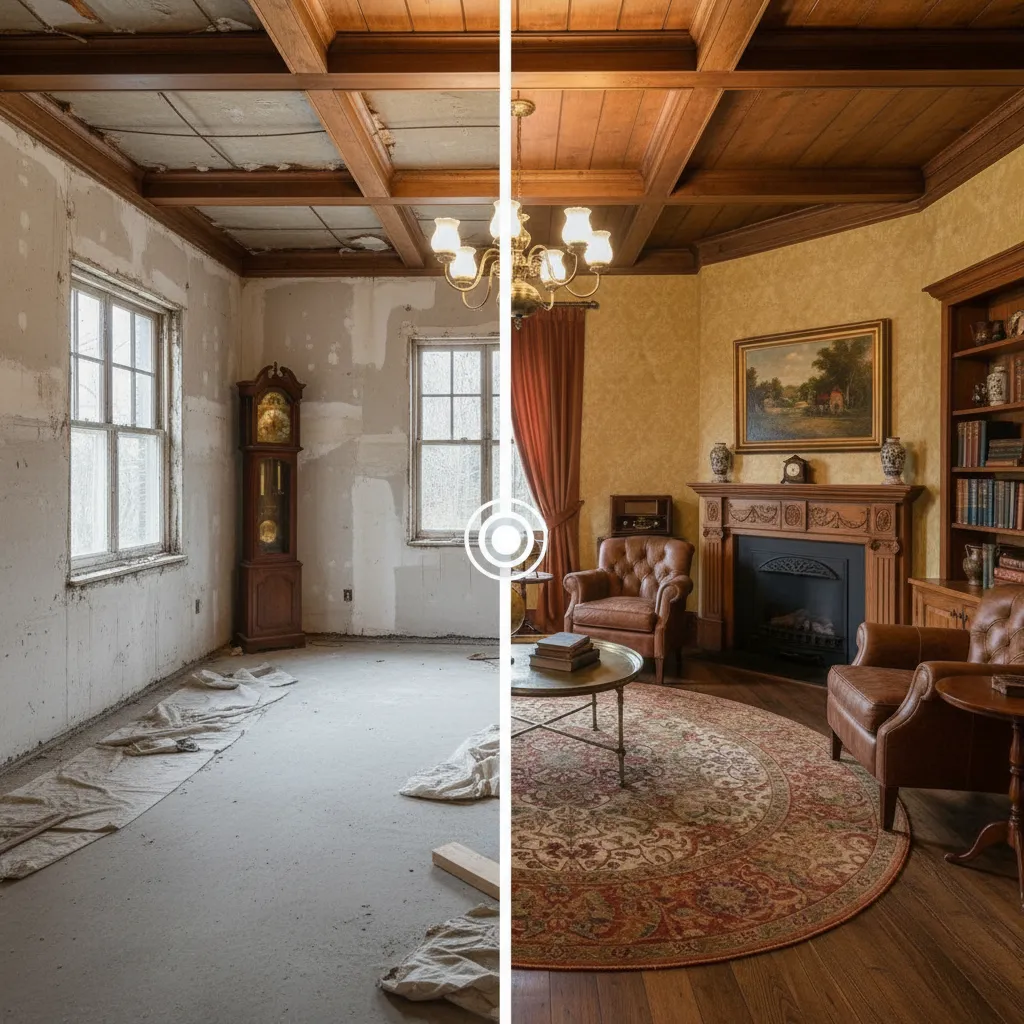
AI Room Design - Design Stunning
Room Makeovers for Free
VDraw's AI Room Design tool uses advanced AI to redesign any room from a single photo. Generate clean, modern, or custom-style interiors in just seconds.
What Is
AI Room Design?
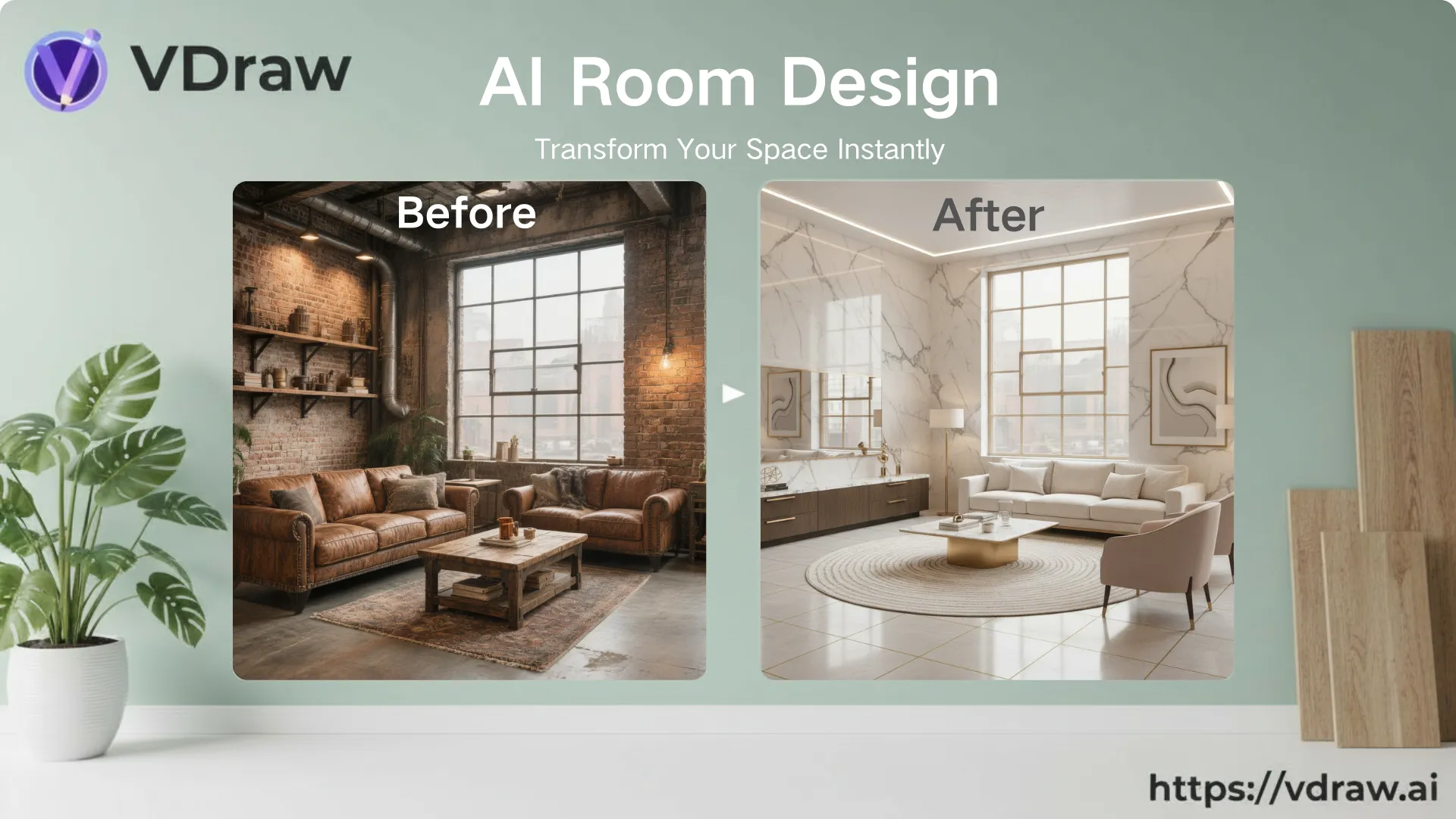
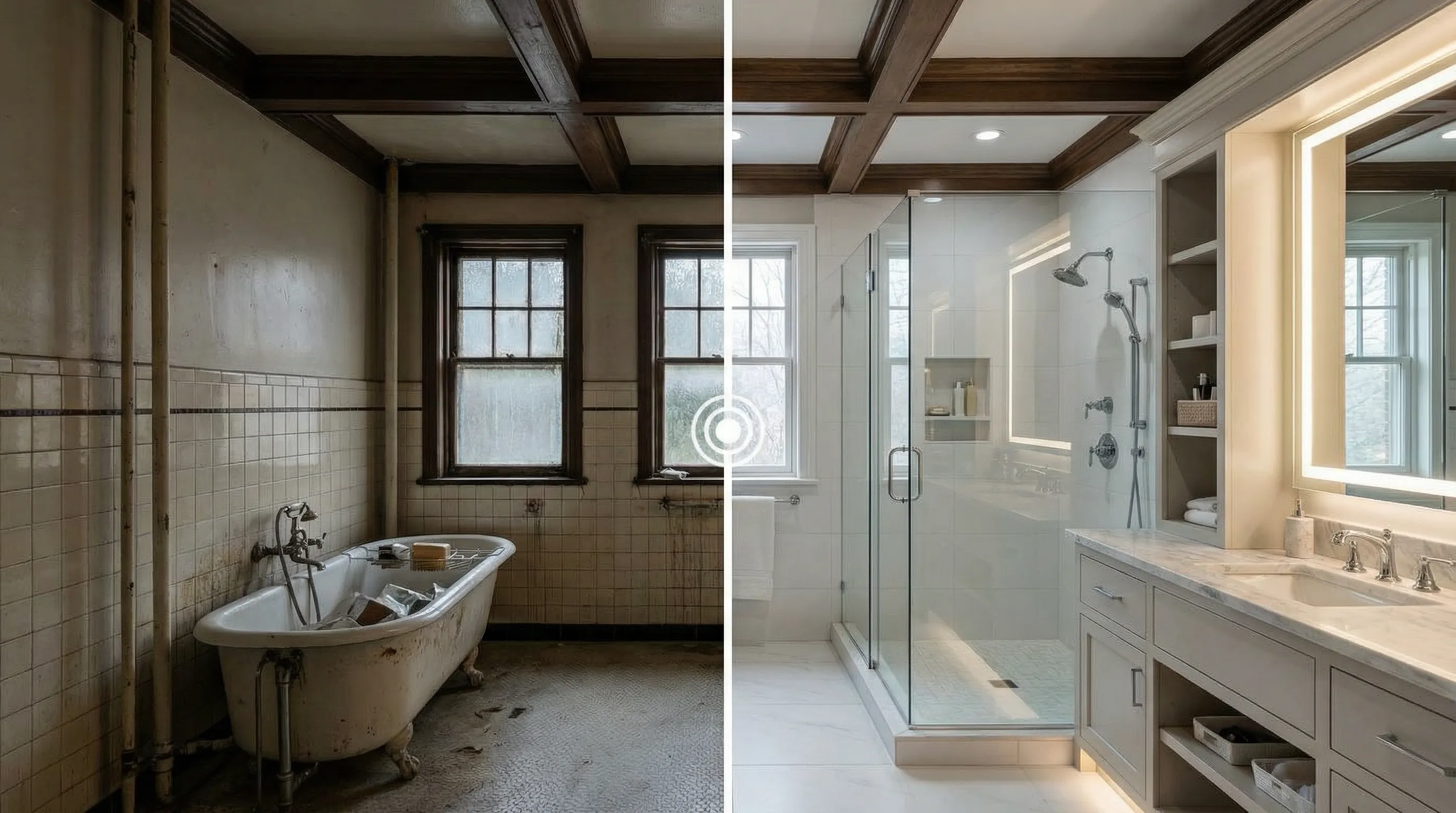
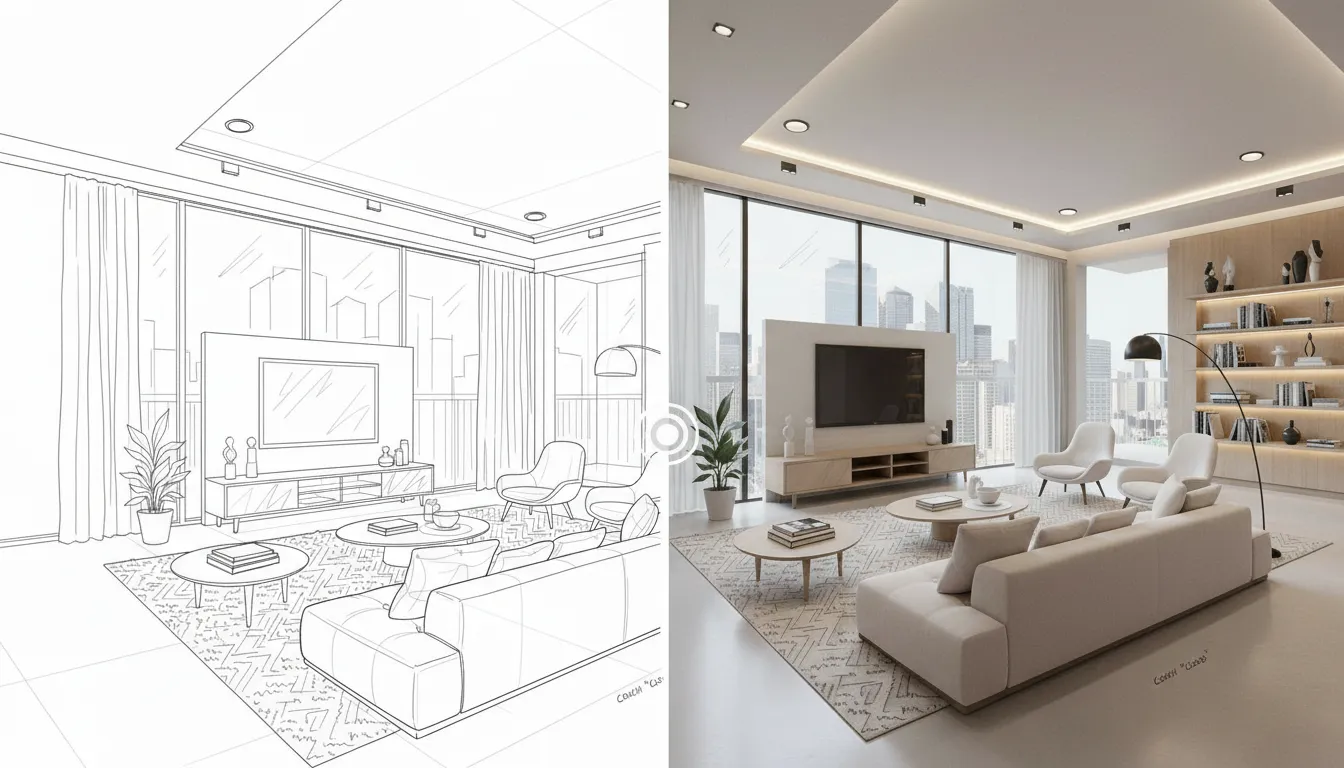
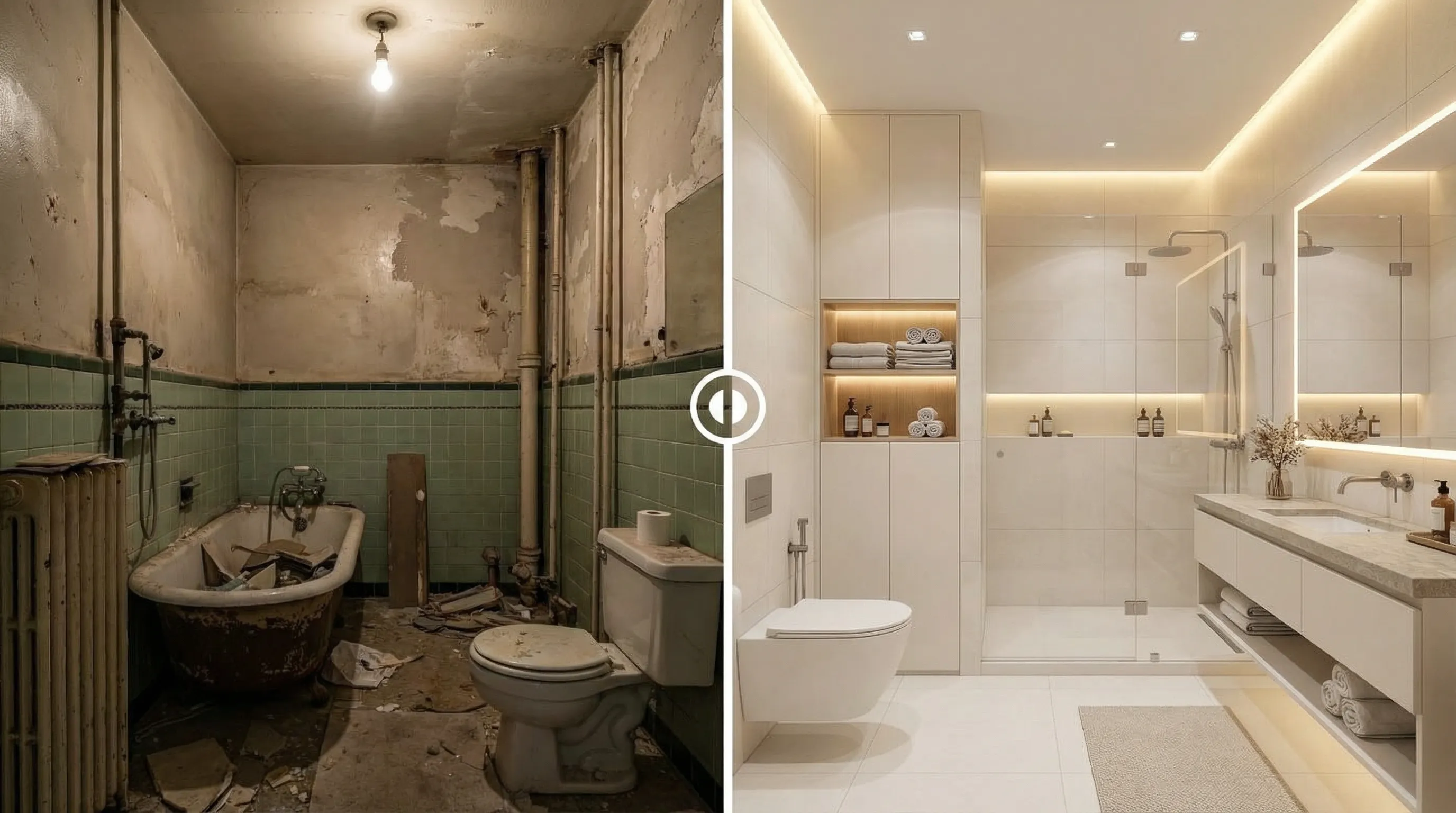
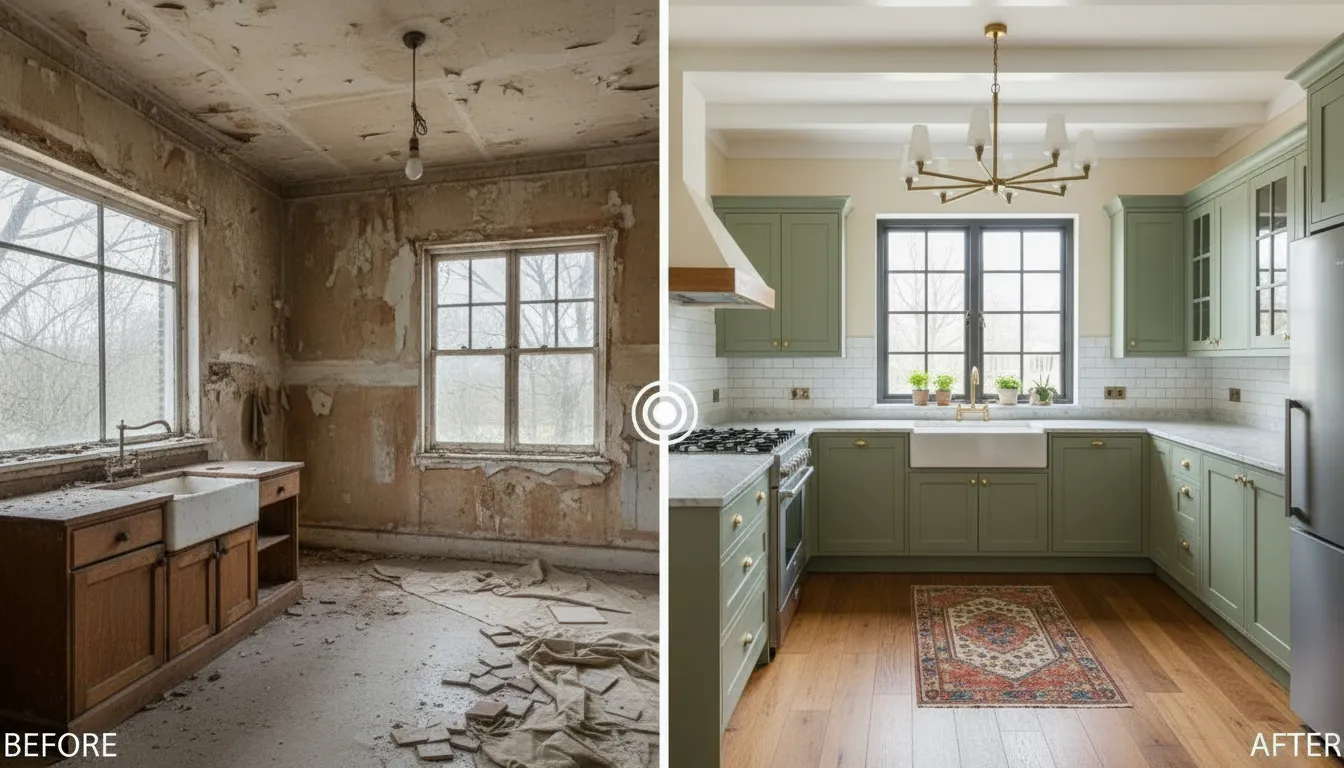
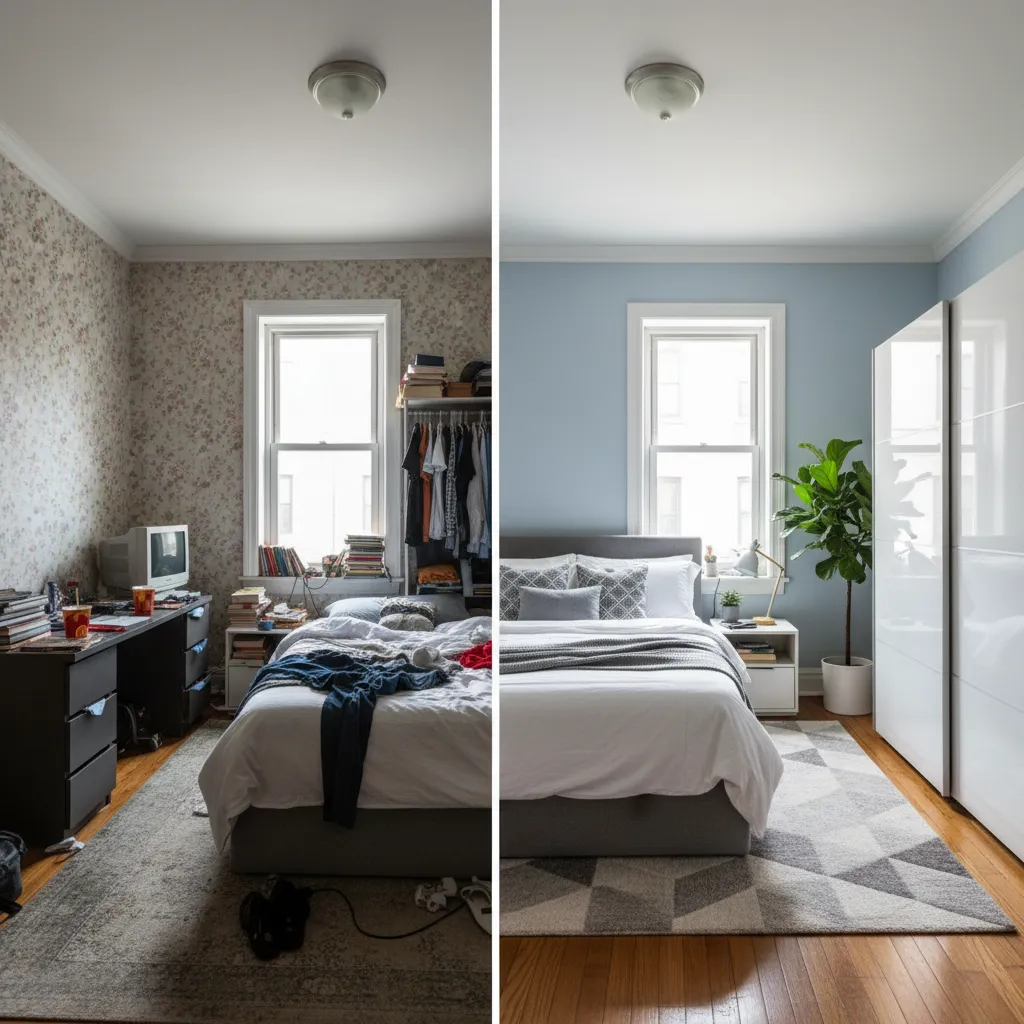
AI Room Design is an AI-powered interior design tool that turns a single room photo into realistic design previews.
With VDraw, you can explore layouts, styles, colors, and furniture ideas before making real changes - no design skills required.
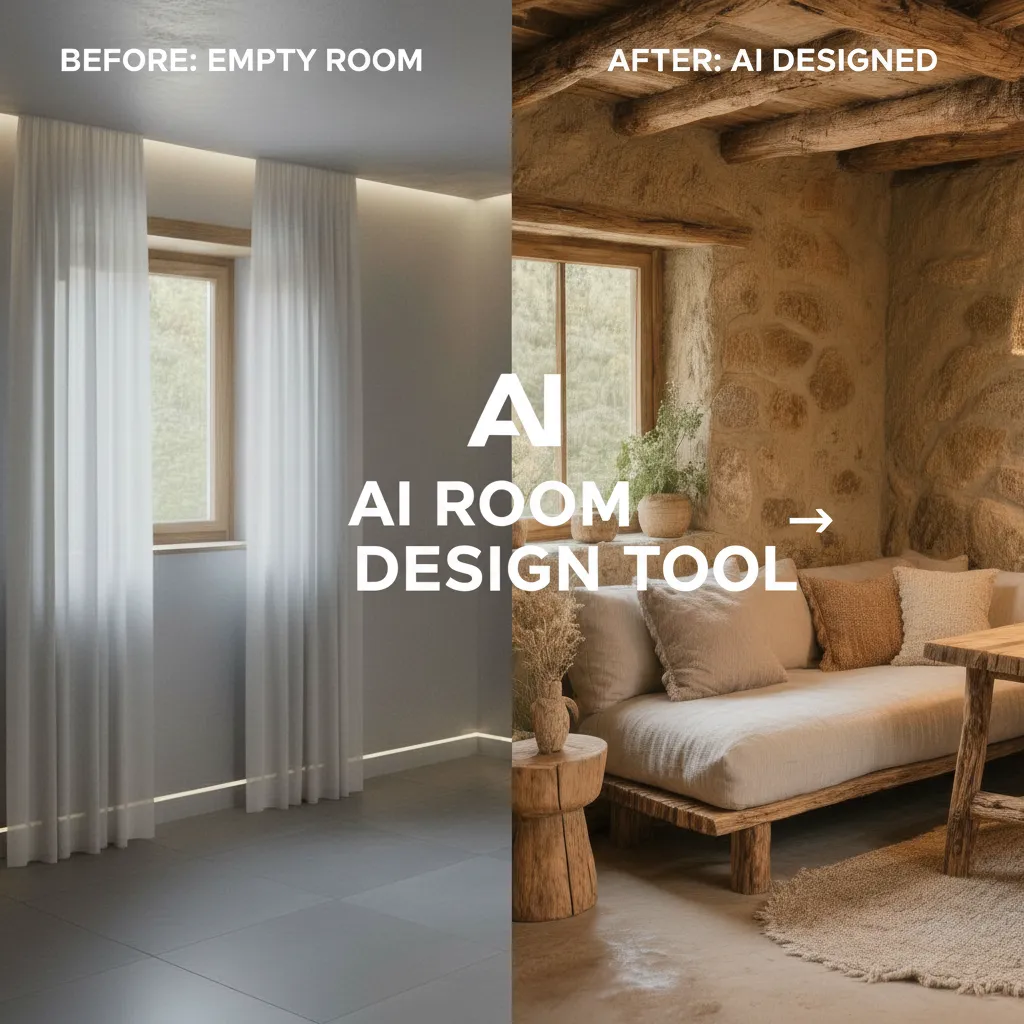
How to Use AI Room Design
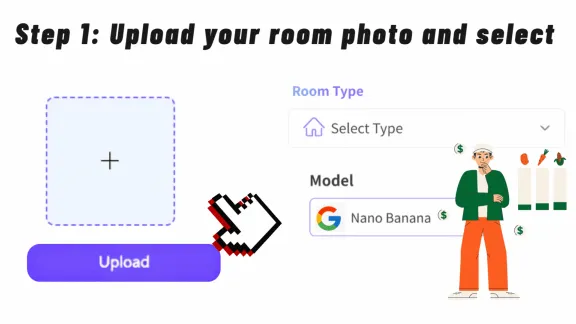
Upload your room photo
Upload a clear photo so the AI can understand your room layout, furniture, and lighting.
Then select the room type and AI model to guide the design.
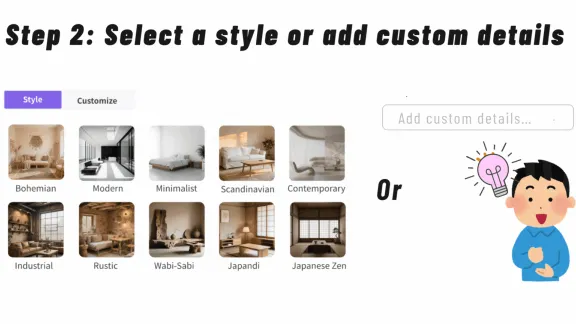
Choose a Style or Add Details
Select a design style or describe your ideas with simple text prompts.
The AI will use this information to refine your generated room makeover.
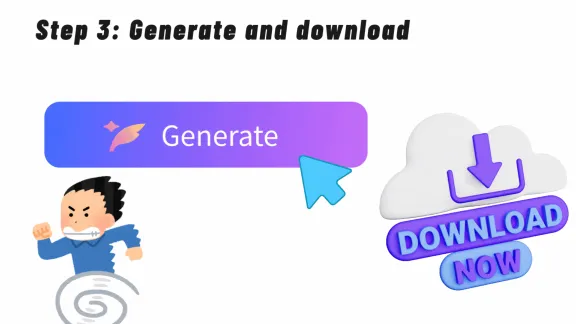
Generate & Preview Designs
Click “Generate” to receive realistic AI room designs.
Preview the results, download them, or click Continue Editing to refine the generated design further.
AI Room Design
for Real-Life Interior Scenarios
From home makeovers to professional planning, AI Room Design helps different users visualize spaces faster and with more confidence.
Upload a Room Photo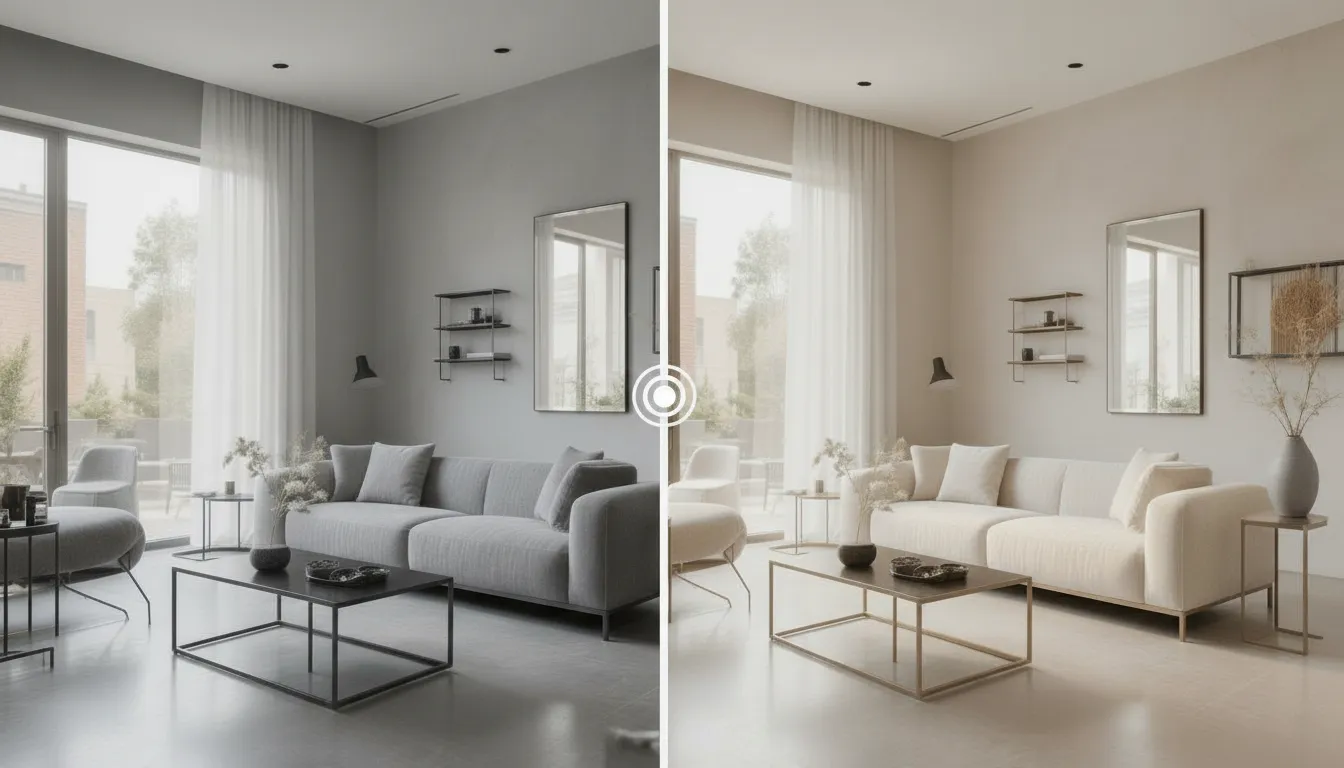
Hard to
Imagine Your Room
Before Redesigning It?
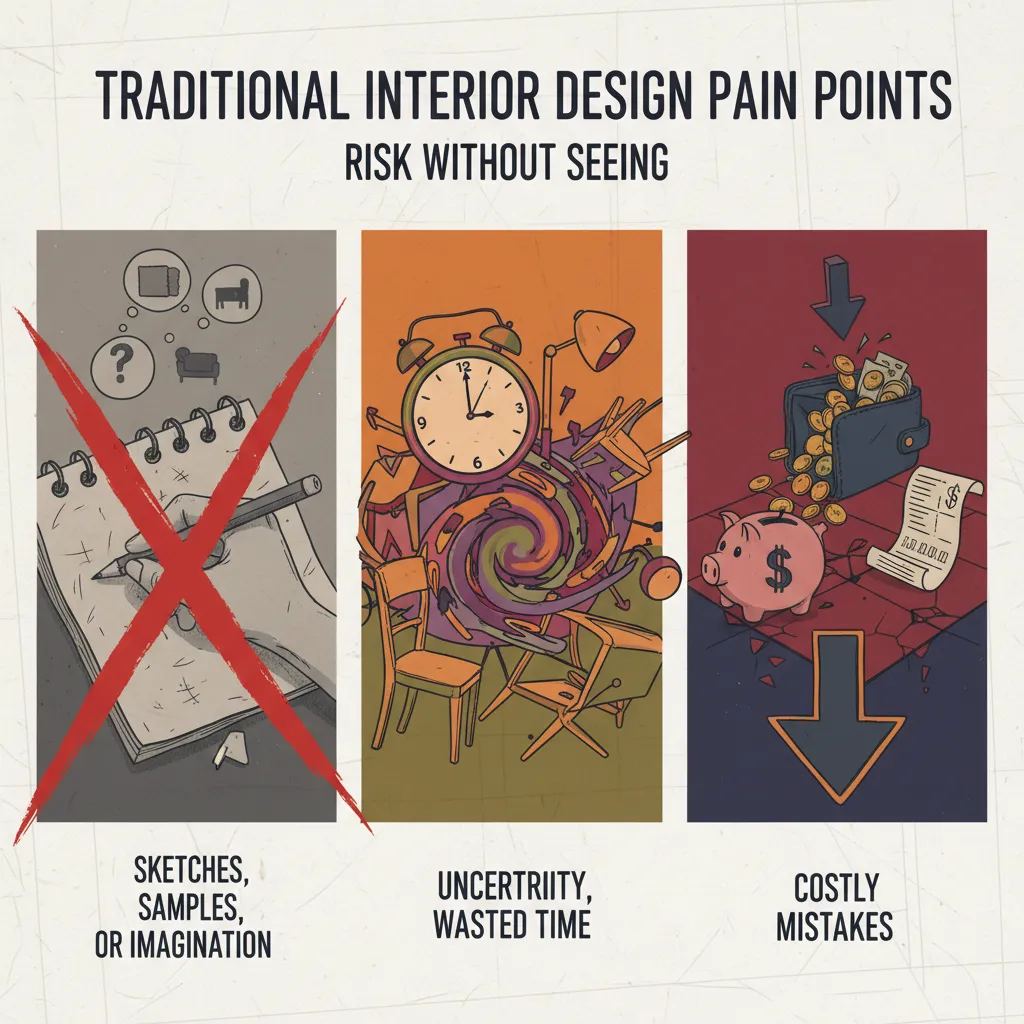
Traditional design often relies on sketches or imagination, leading to uncertainty and costly mistakes.
VDraw's AI Room Design transforms your room photo into realistic previews, helping you test ideas instantly and decide with confidence before any renovation or purchase
Why
Choose VDraw
for AI Room Design?
Not all AI room design tools are built the same. VDraw focuses on realistic visuals, flexible control, and practical use - so you get results you can actually act on.
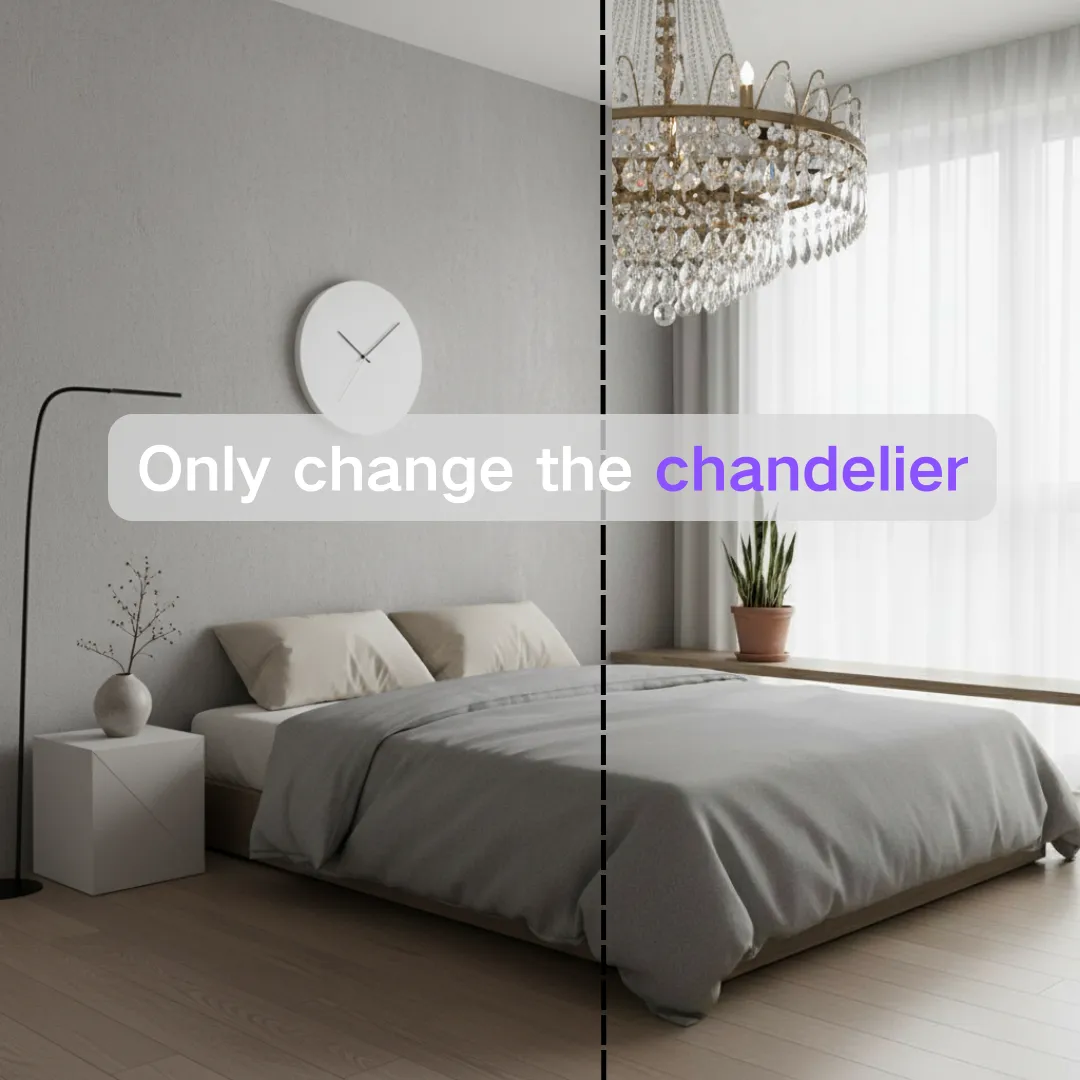
Structural Accuracy by Default
Many AI tools alter windows, doors, or proportions without warning. VDraw preserves your original walls, windows, and layout by default - only what you choose to change is modified.
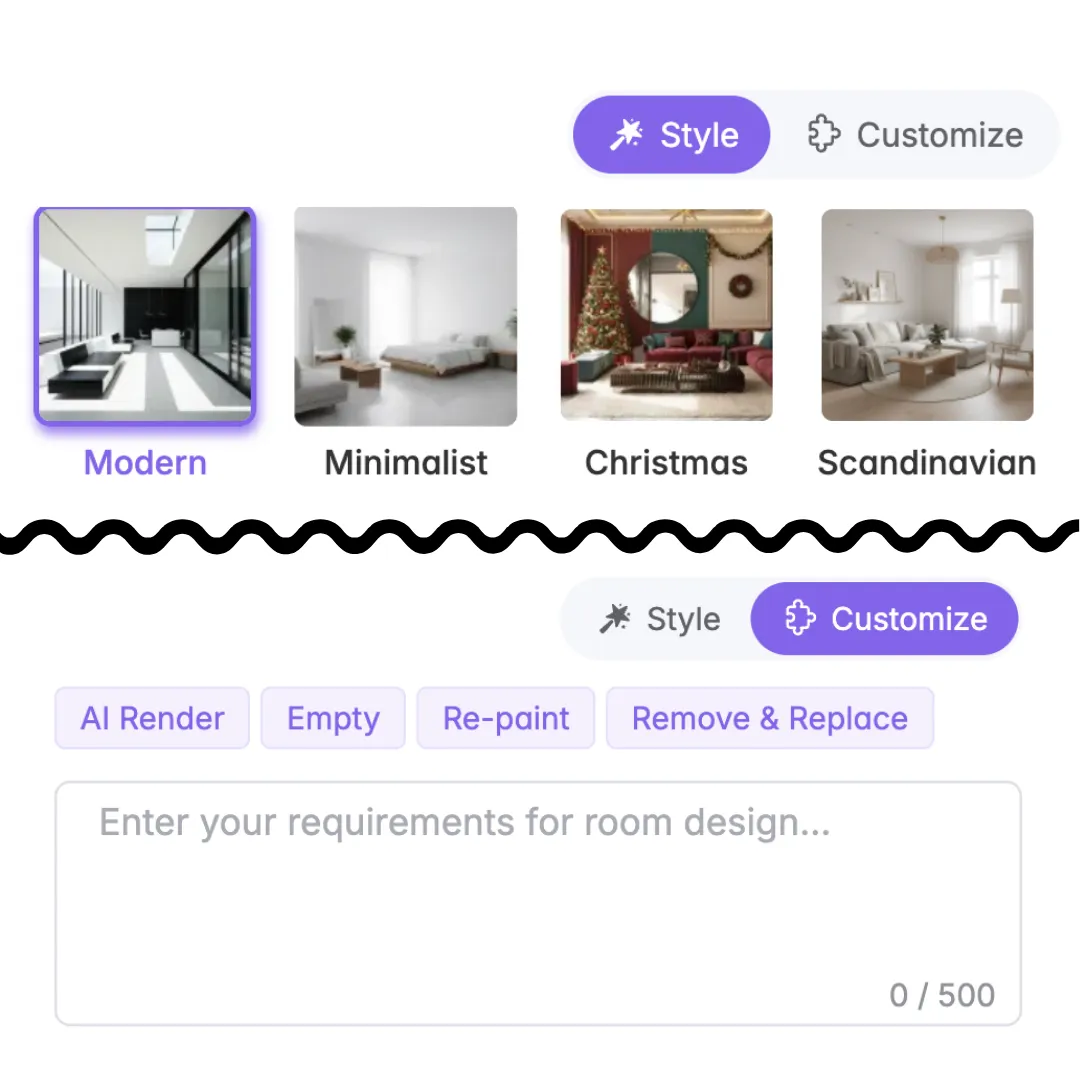
Preset Speed + Prompt Freedom
Start with one-click styles like Modern or Japandi, then refine with custom prompts for colors, materials, lighting, or mood. AI Room Design gives you speed without locking you into presets.
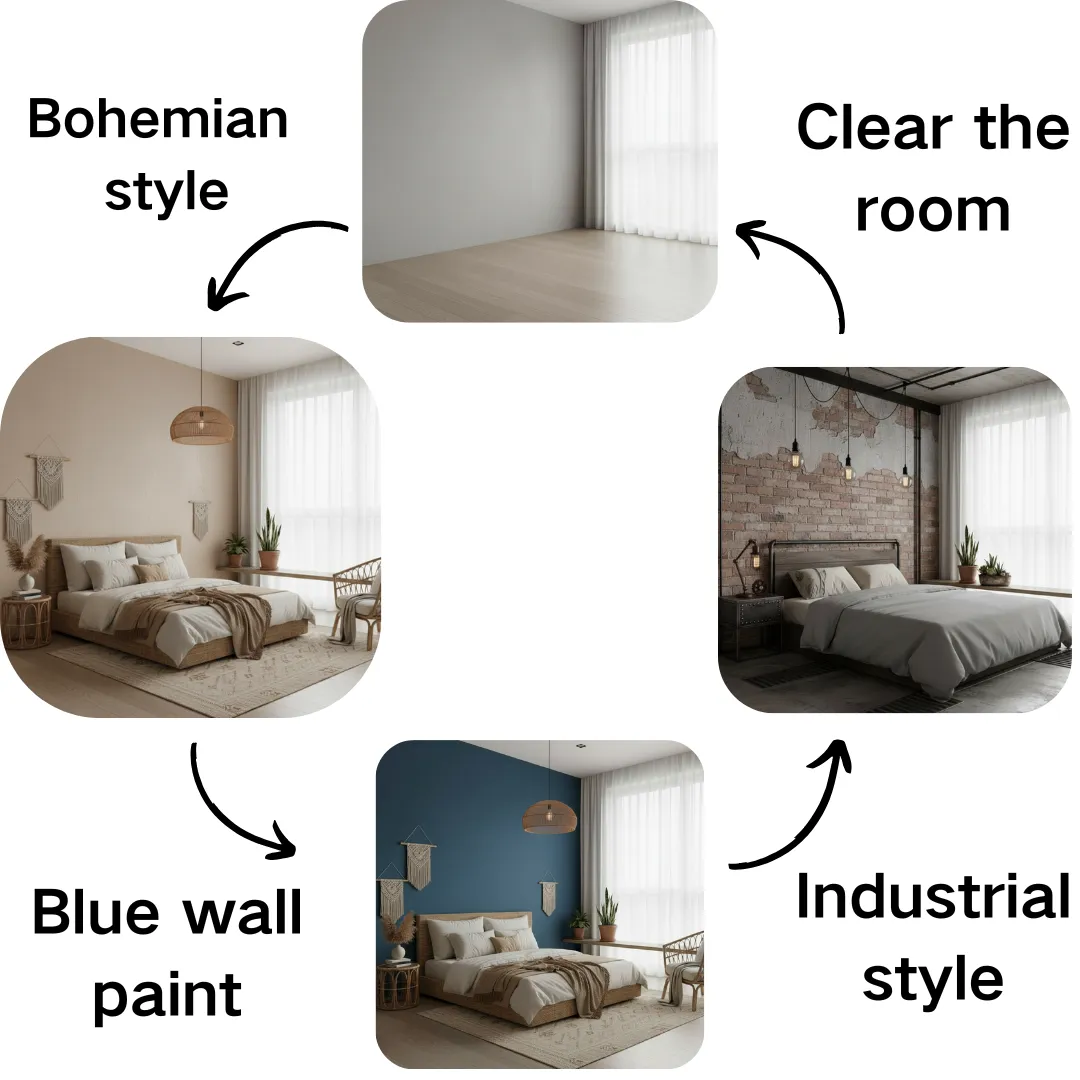
Continue Editing from Any Result
Most AI tools stop at a single image. With VDraw, you can keep editing any generated result, refining the same room step by step with consistent structure.
Multi-Model, Decision-Ready Results
Powered by multiple advanced AI models, AI Room Design delivers HD, realistic room visuals - online, no design experience required. Ideal for renovation planning, furniture selection, and client presentations.
Start Your AI Room Makeover
Redesign your space with ease using VDraw's AI Room Design.
Upload a photo and explore multiple style variations instantly.
What Users Say
About Our AI Room Design
VDraw's AI Room Design made it so easy to visualize different living room layouts before buying new furniture. It saved me so much time and guesswork!

As a real estate agent, I use the AI Room Design tool to quickly create virtual staging concepts. Clients love seeing instant previews of each space - it really helps with their decisions.

I rely on VDraw AI Room Design to experiment with color palettes and materials for my renovation projects. The AI-generated rooms feel surprisingly realistic and are very helpful in planning.

Many of my clients struggle to imagine style options. With AI Room Design, I can show several interior concepts in minutes, making communication much smoother.

I wanted to refresh my bedroom but didn't know where to start. VDraw's AI Room Design gave me clean, modern ideas that matched my taste perfectly. It made the whole process fun and easy.

This tool is incredibly useful during planning. The AI Room Design feature lets me quickly test furniture placement and lighting setups for studio projects, saving a lot of time.